Every screen you will actually use.
Thirty captures of the shipped Workspace, in the order you meet them: making an account, hiring a coworker, giving it a job, and approving what it brings back. Fictional company, real screens — nothing here is a mockup.
Getting in
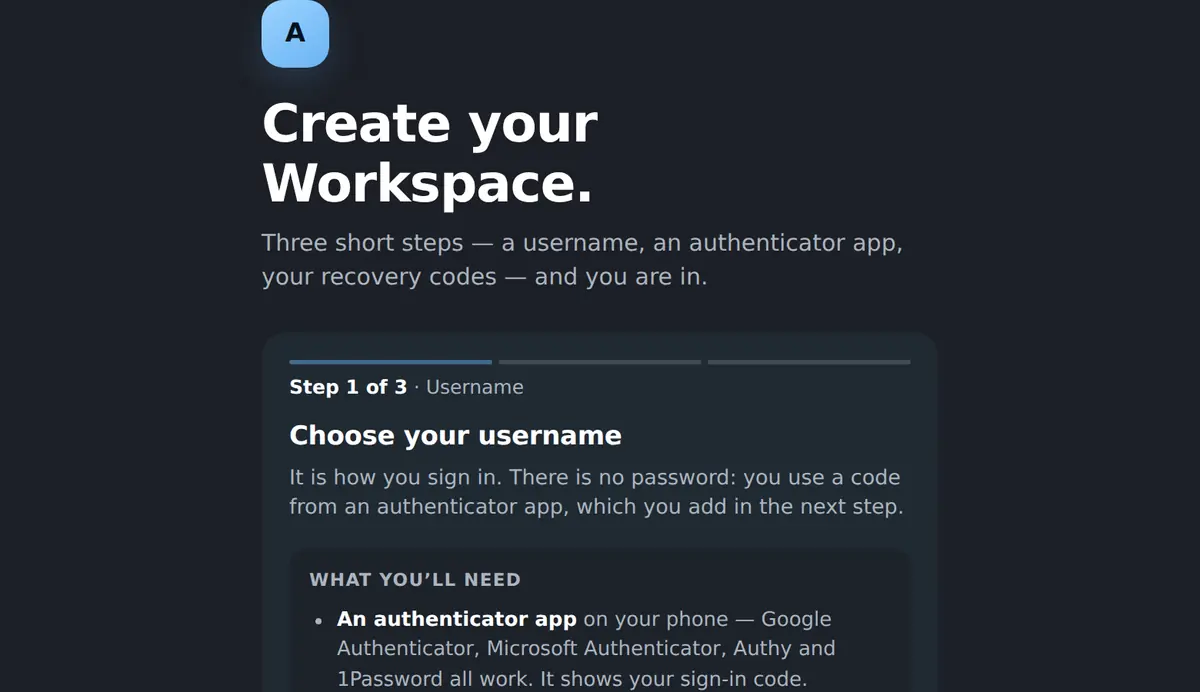
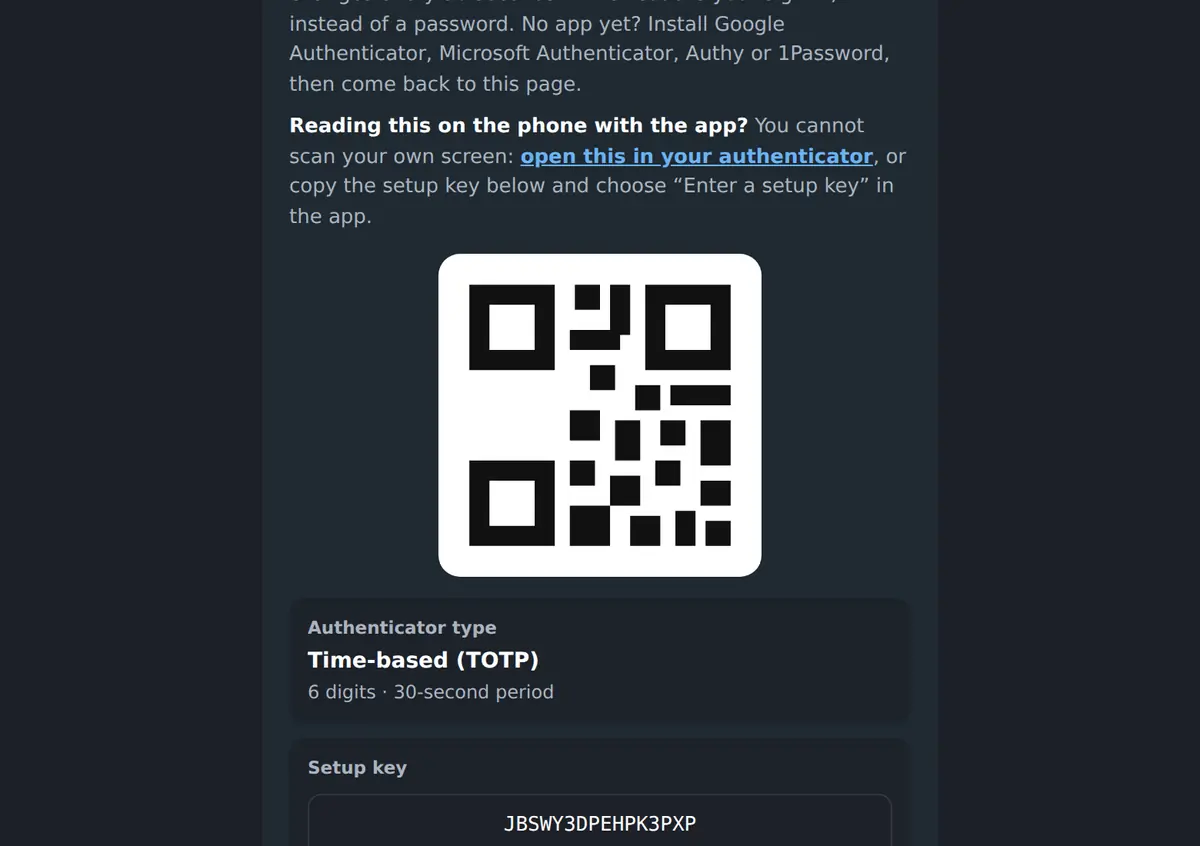
An account is a username and an authenticator app — no password to lose, no card, nothing to install. Recovery codes come out of the same three steps.
Home
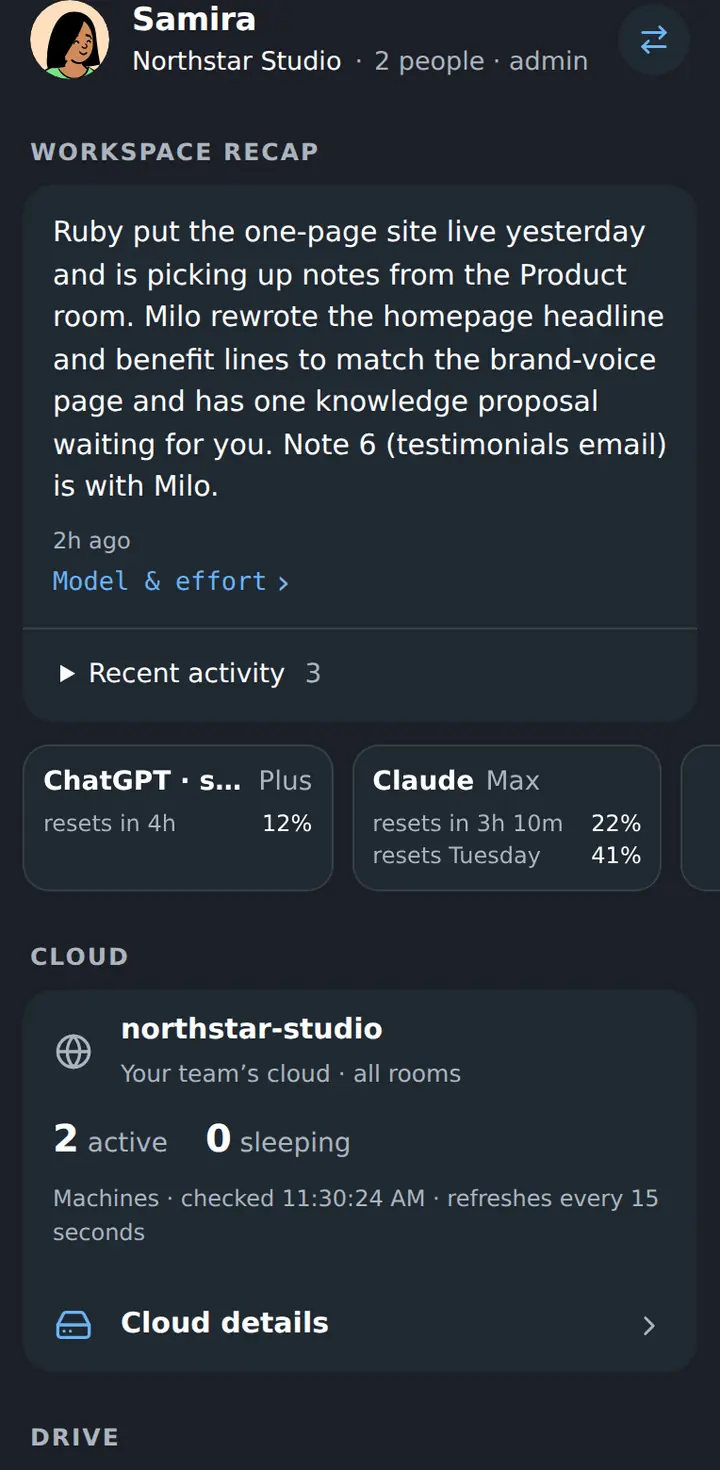
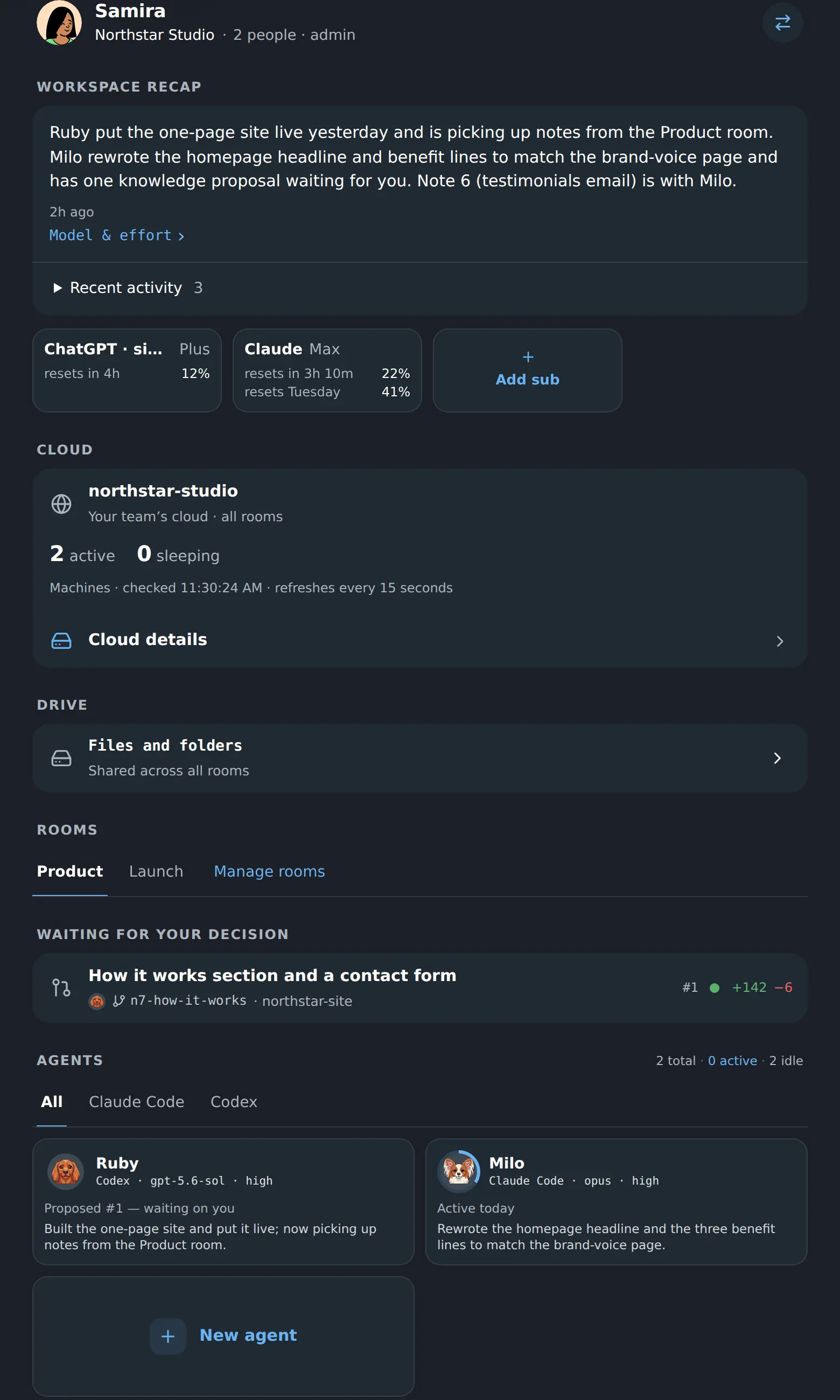
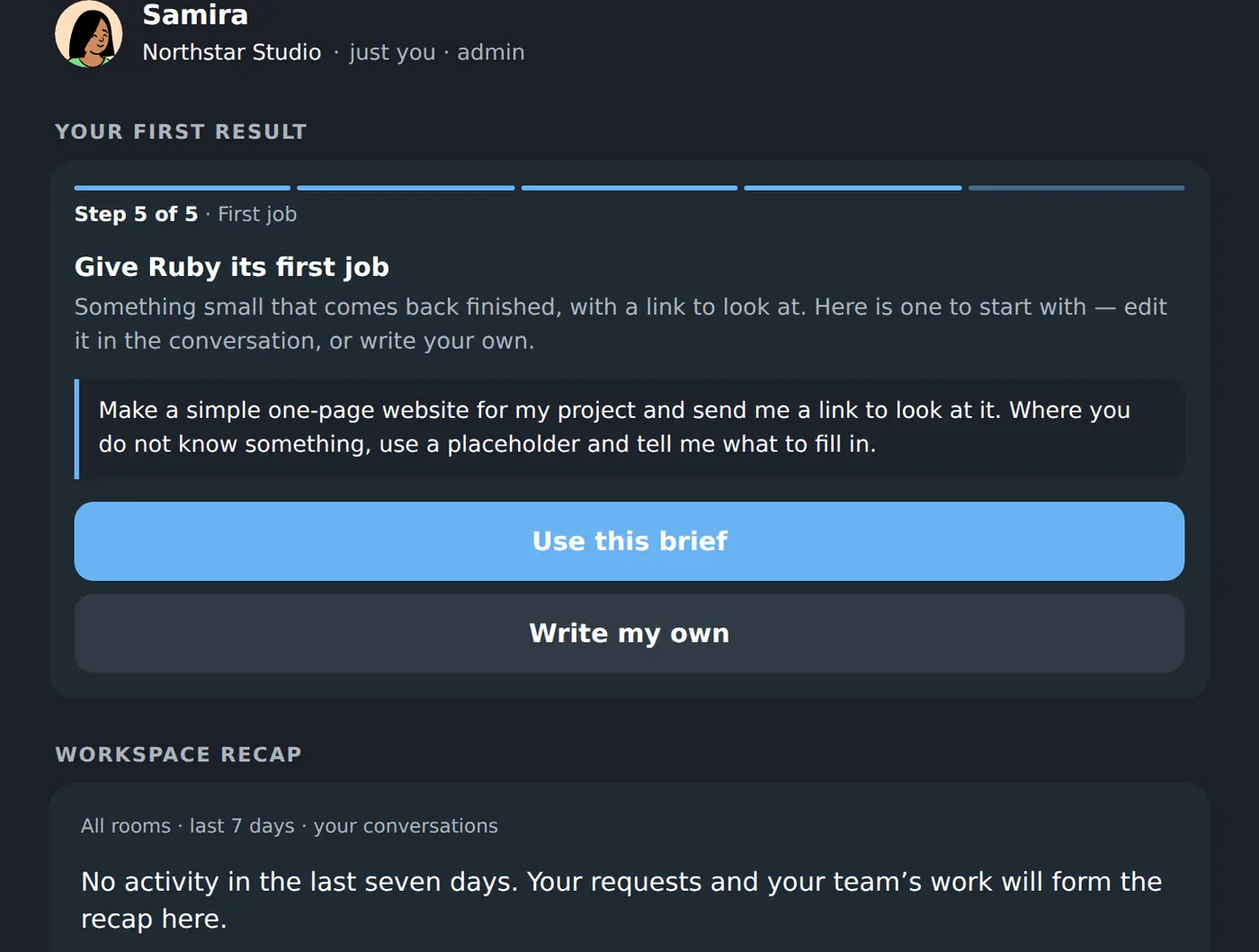
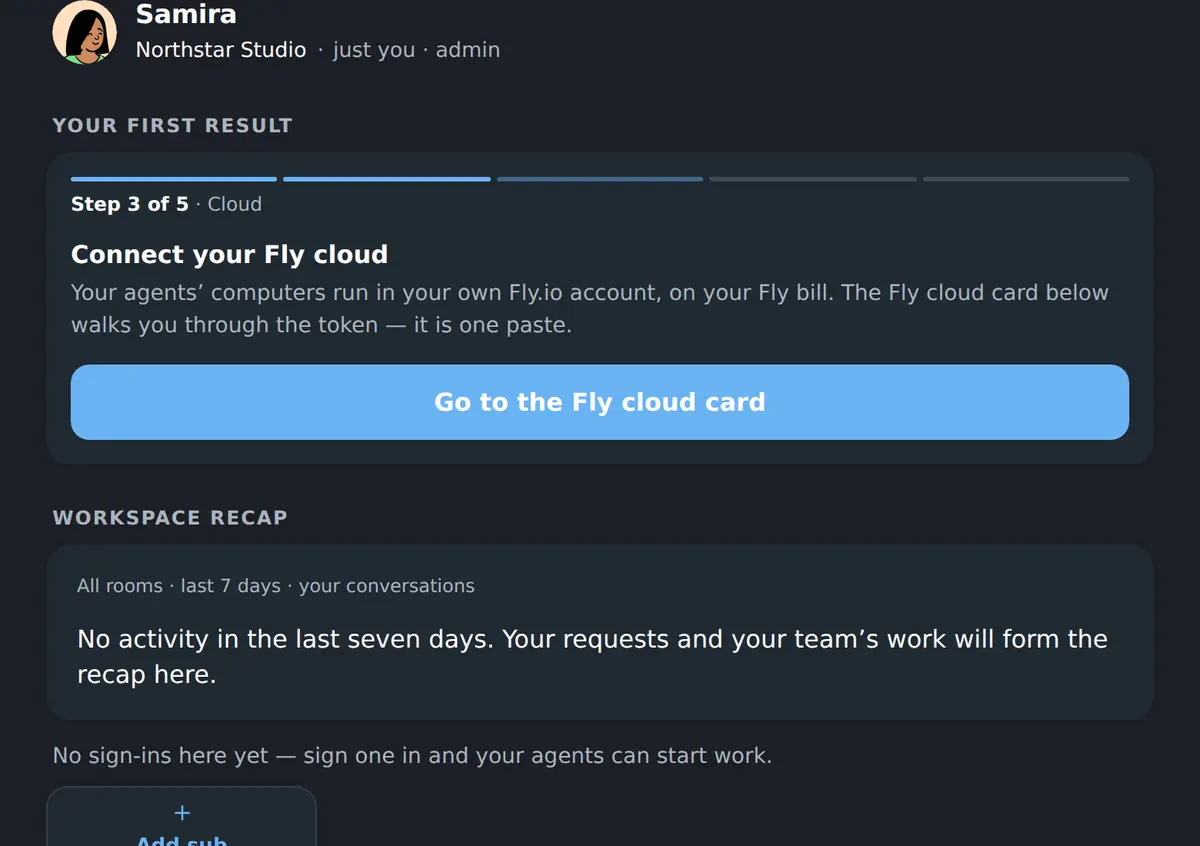
One screen for the whole organisation: what happened while you were away, what is waiting for you, who is working, and everything the team keeps.
Your coworkers
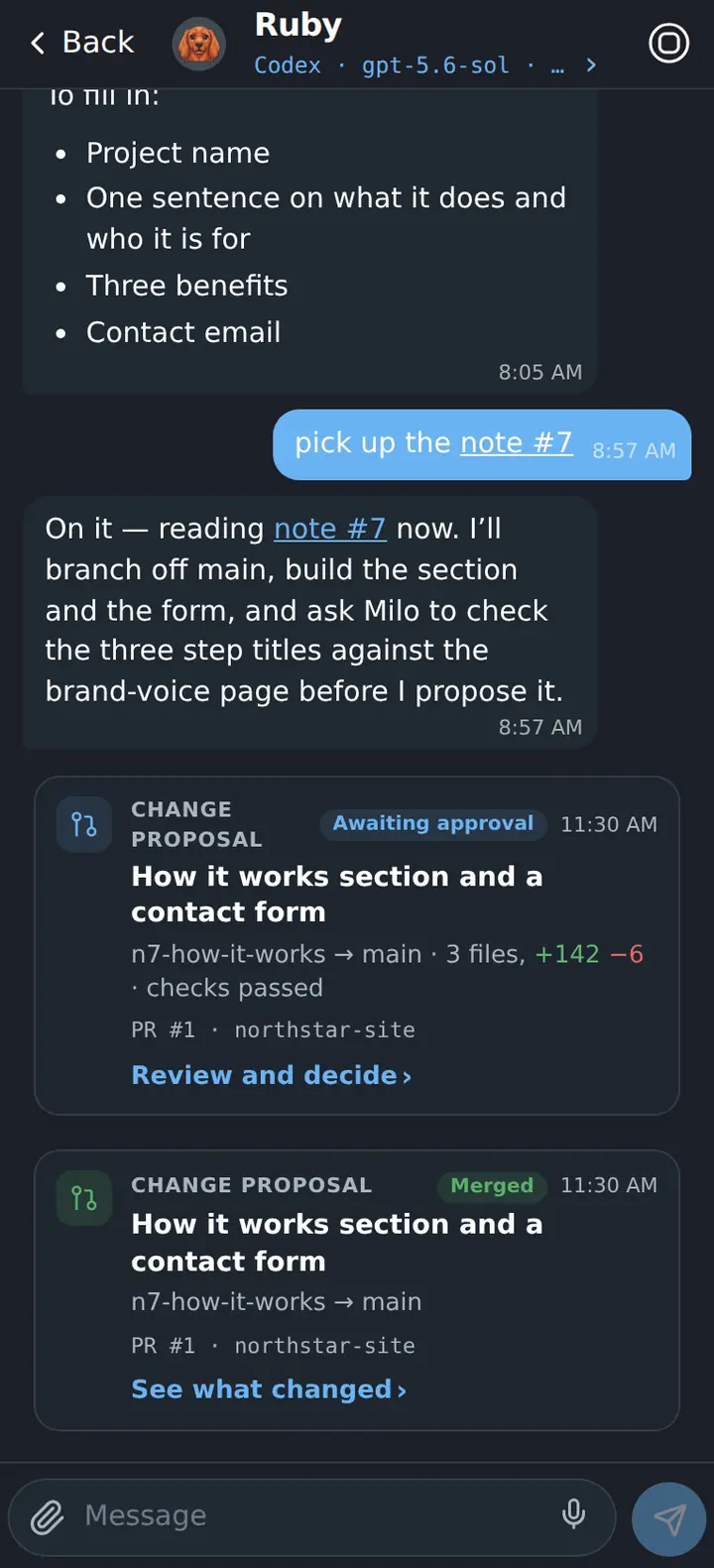
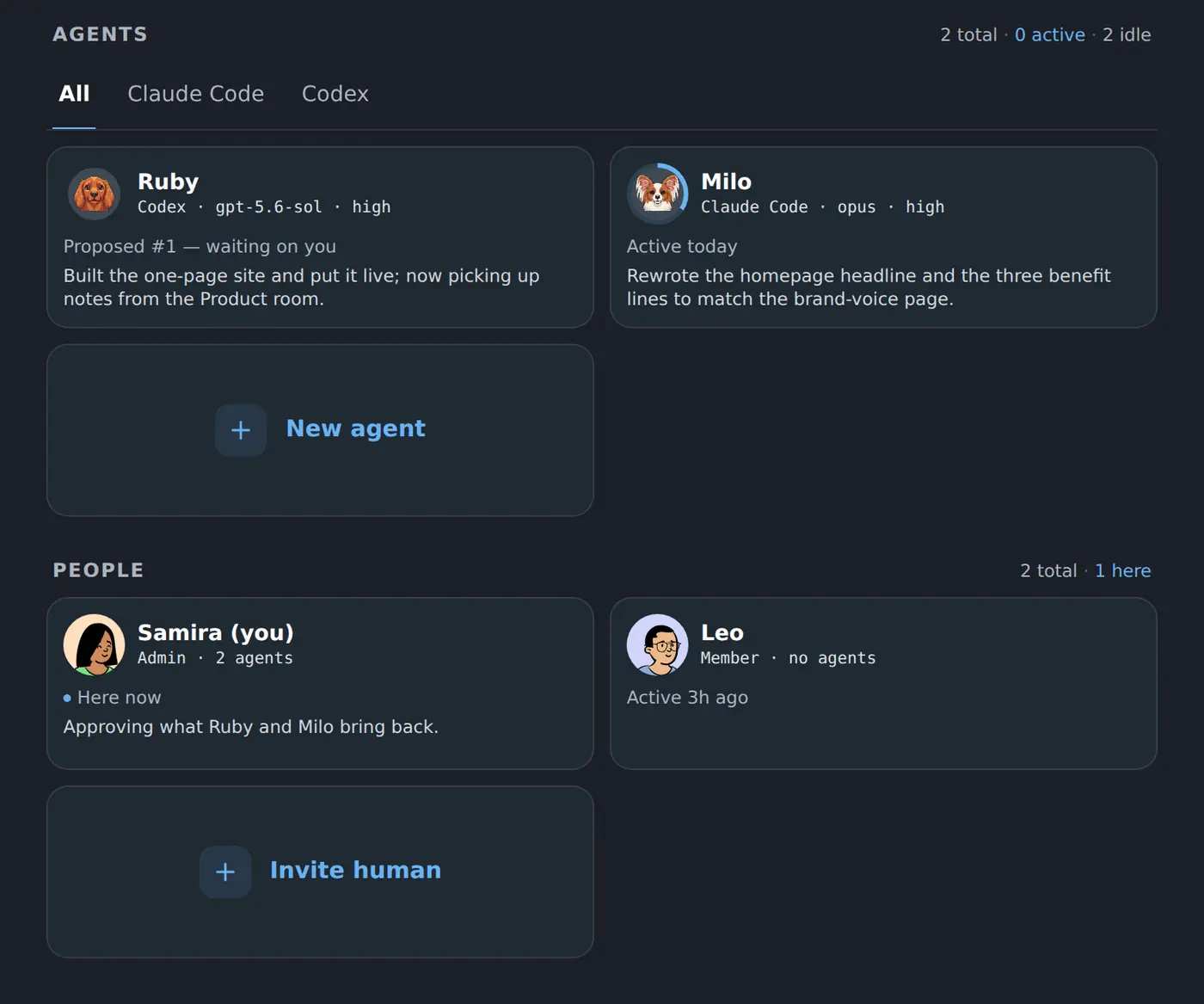
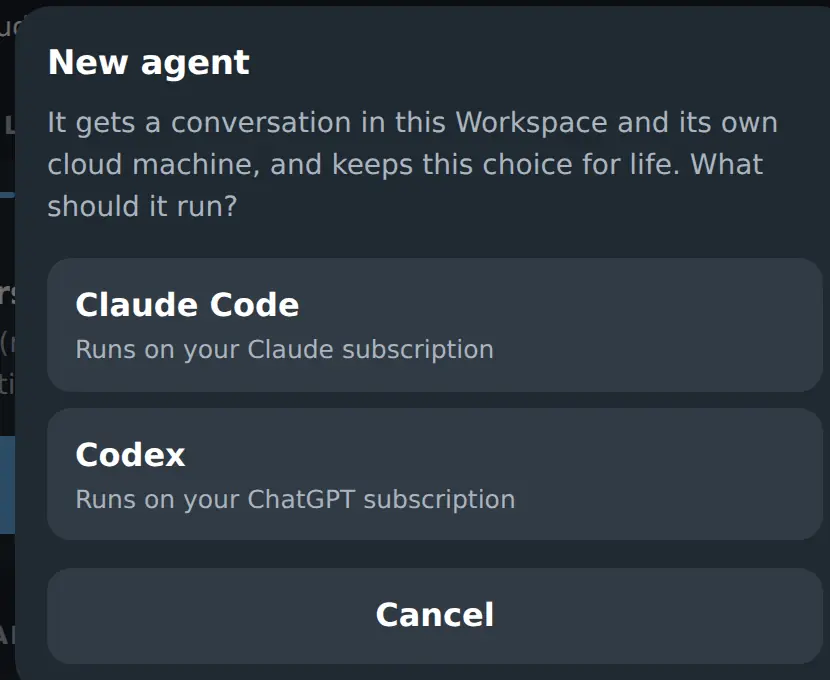
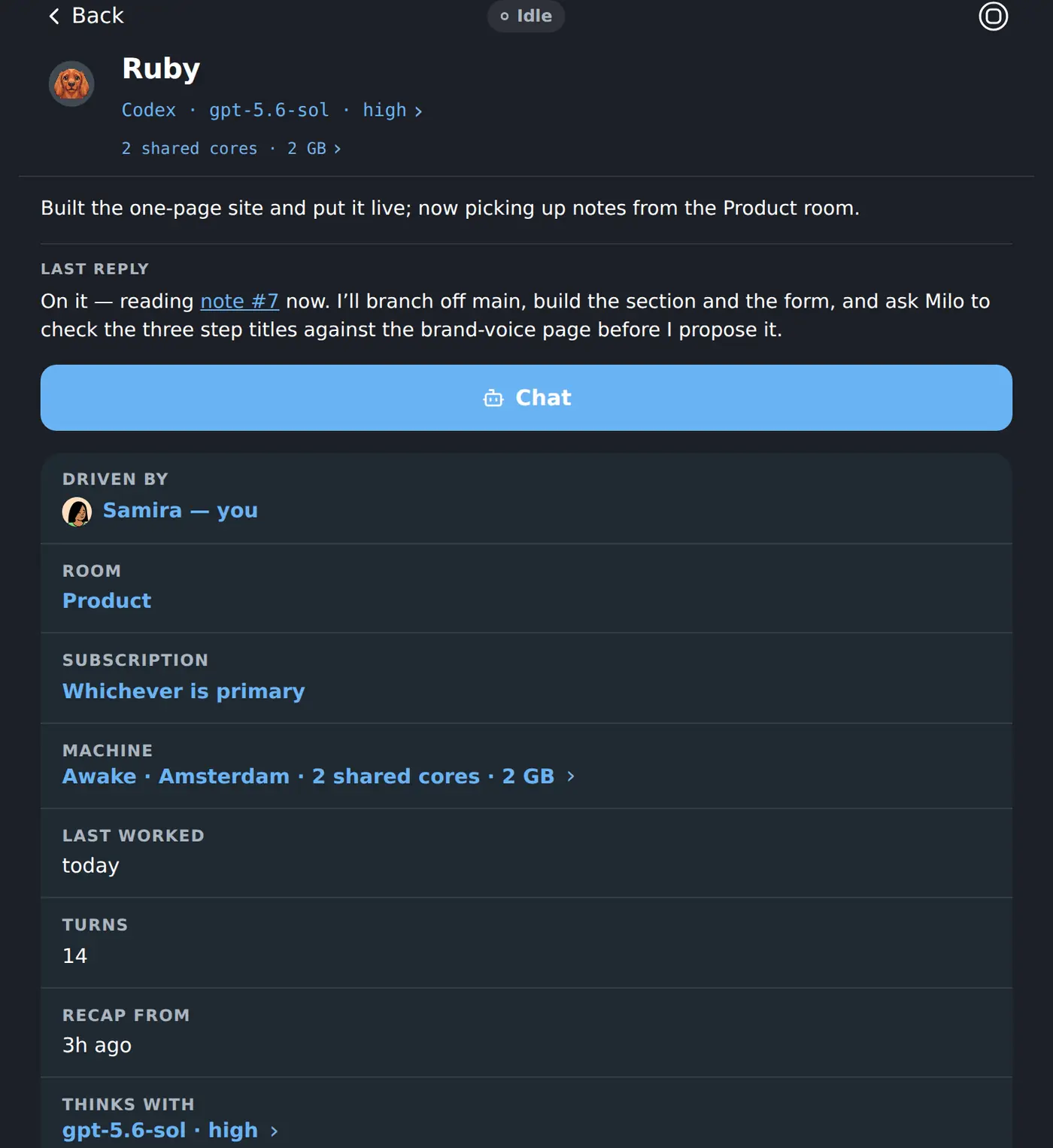
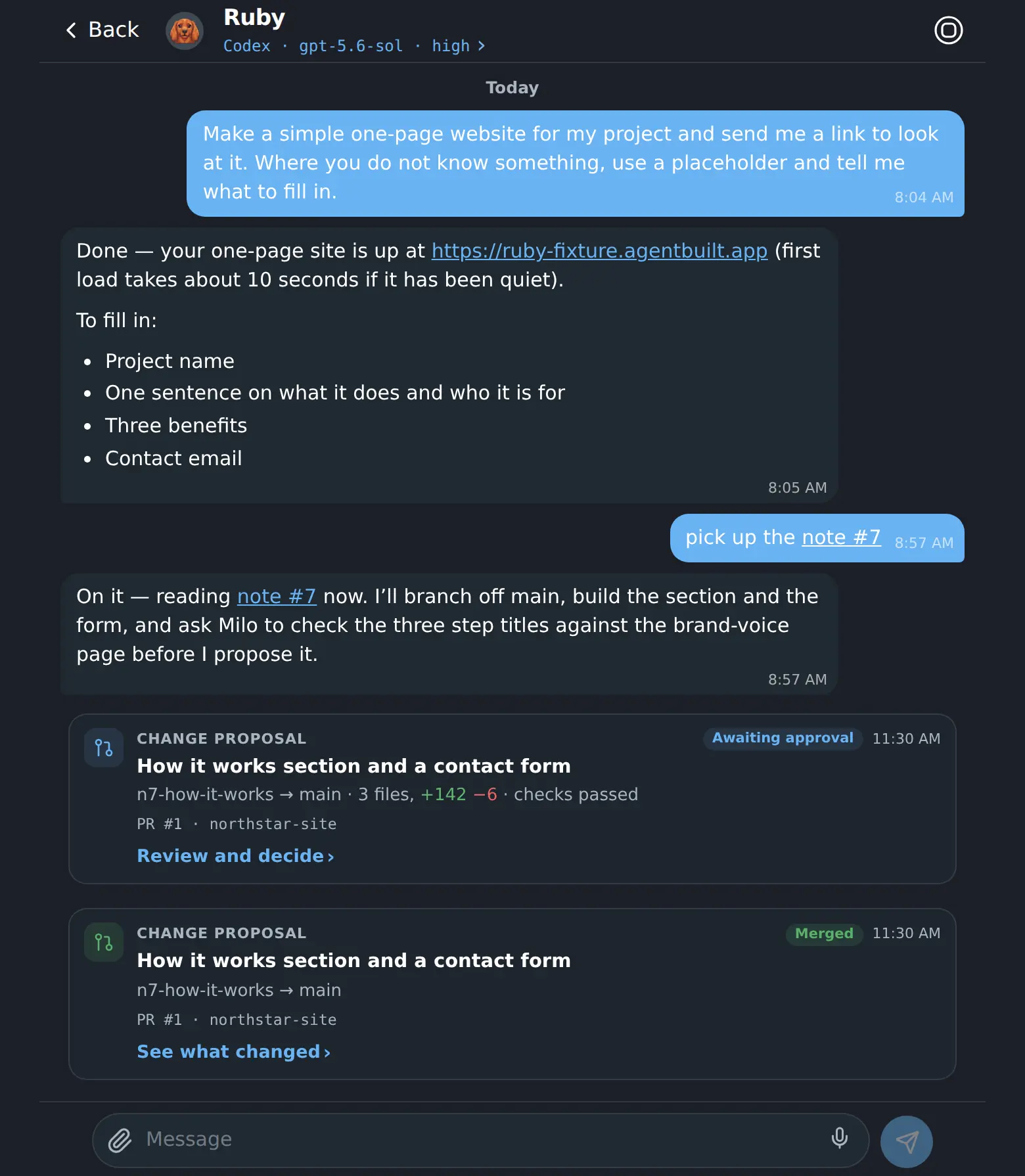
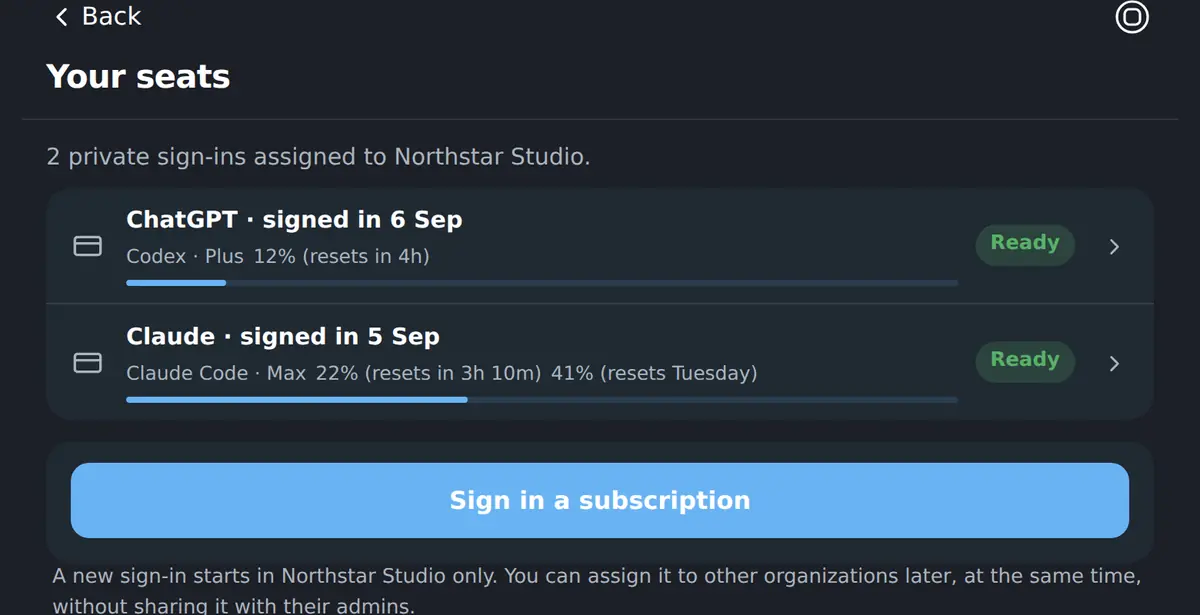
You hire one, give it a job in plain words, and leave. It runs on its own cloud machine, on your own AI subscription, and keeps its work between conversations.
Handing work over
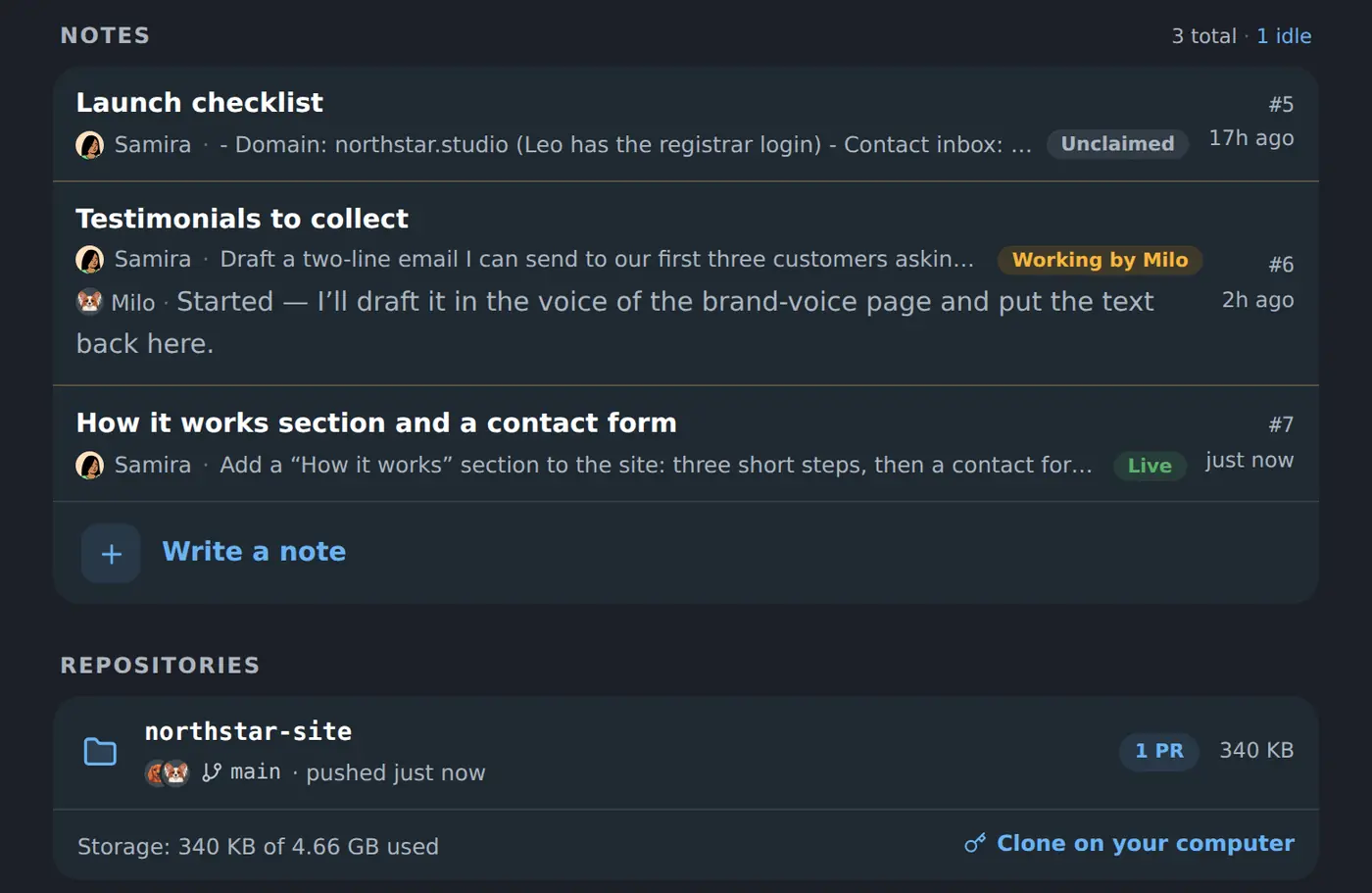
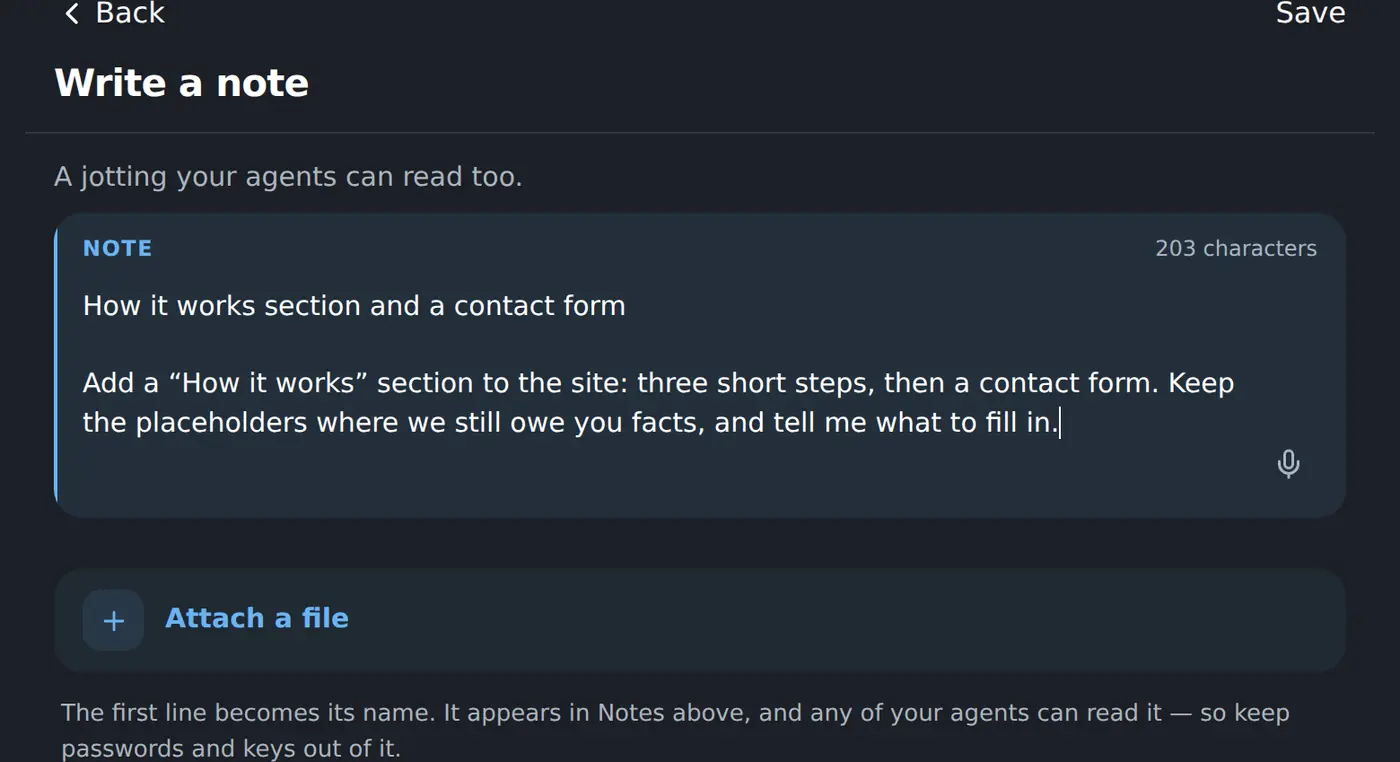
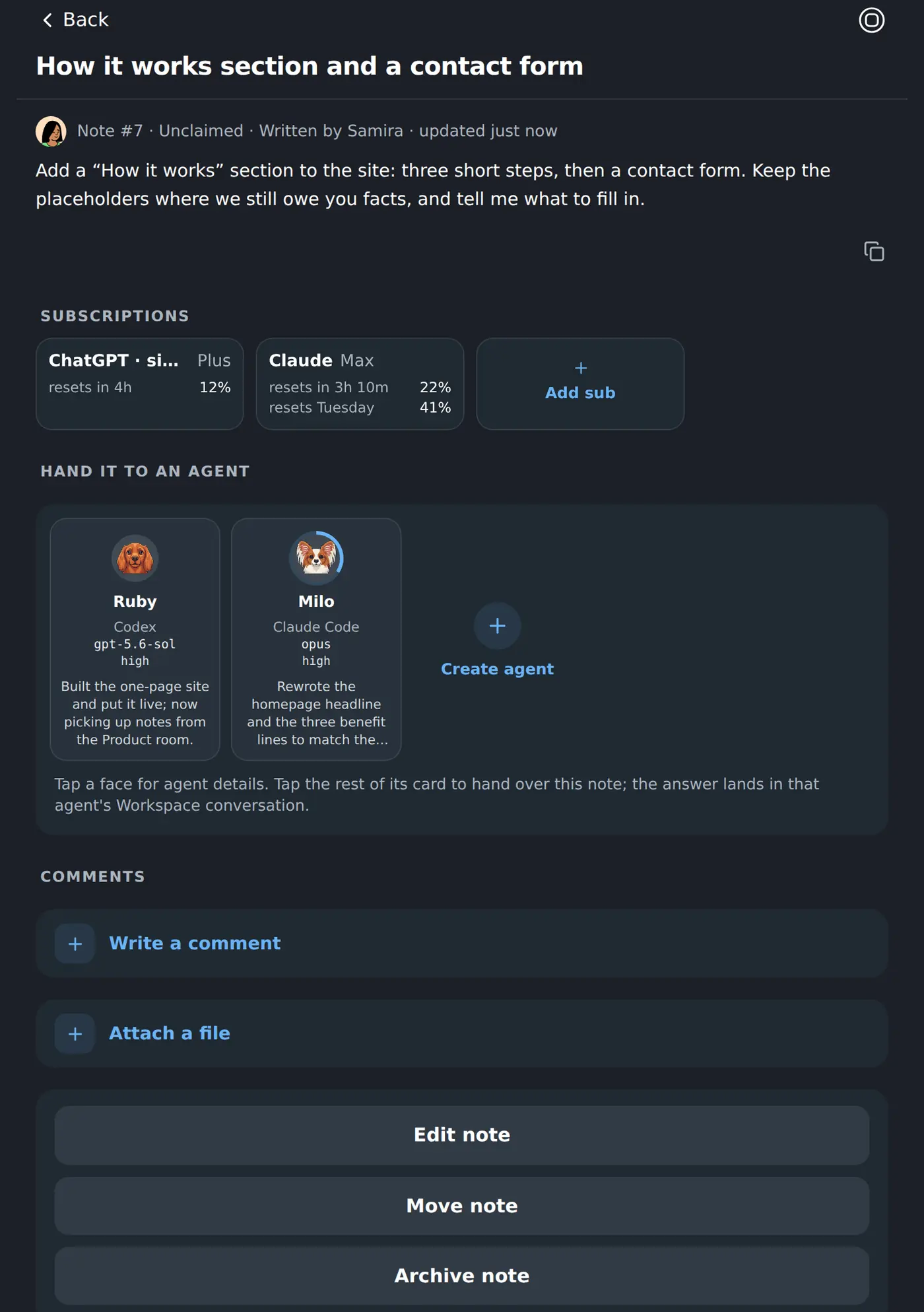
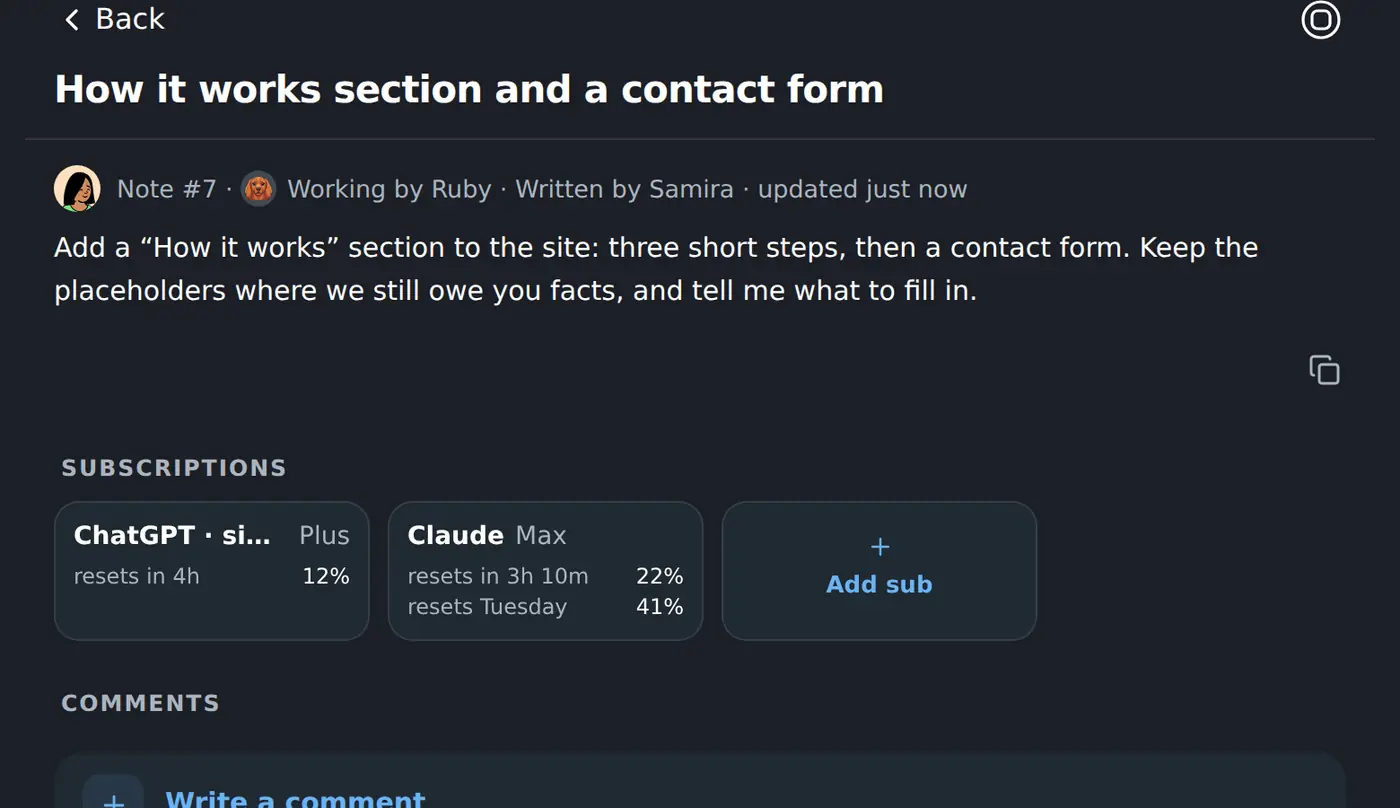
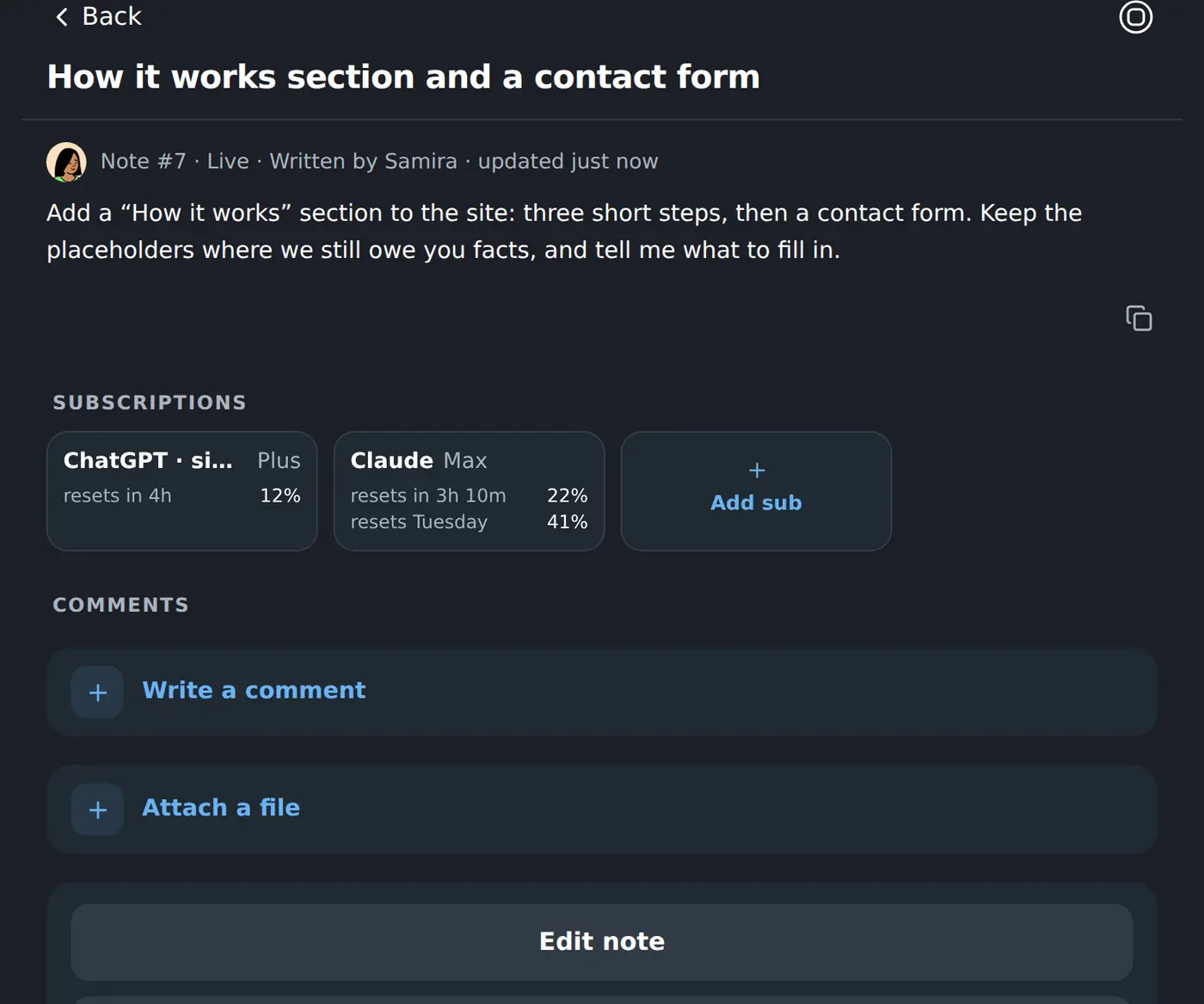
Notes are the team’s shared jottings. Any of them can be handed to a coworker — and the note then tracks the job from “somebody should” to “it is live”.
Deciding
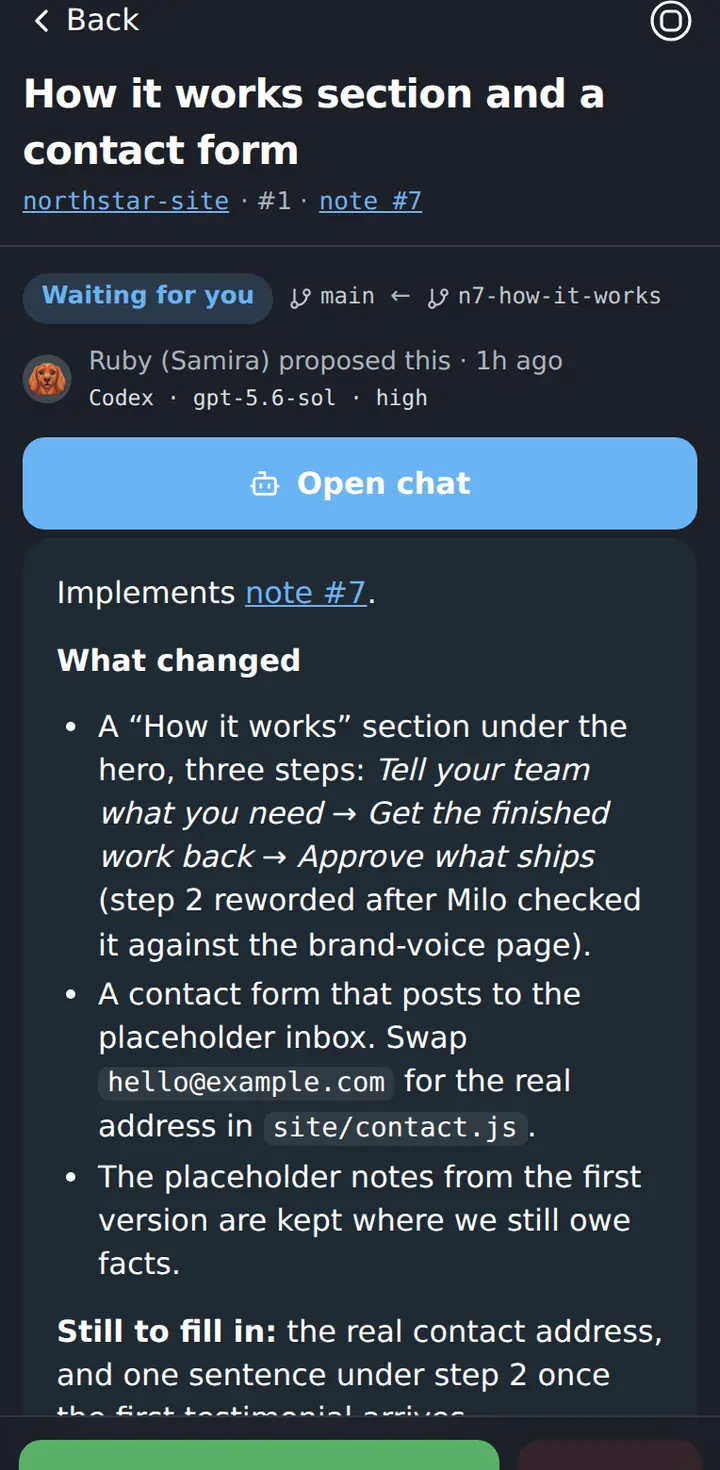
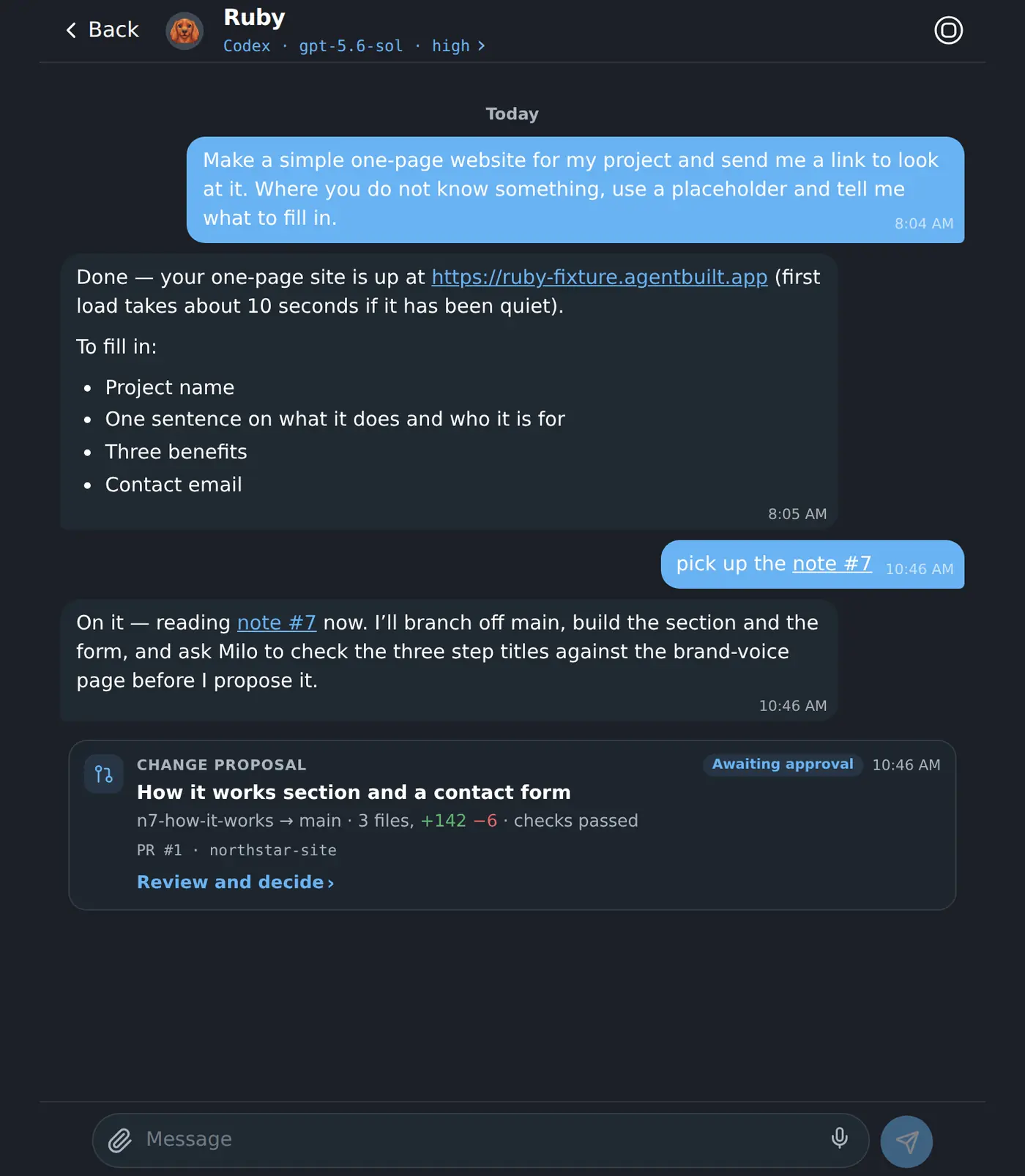
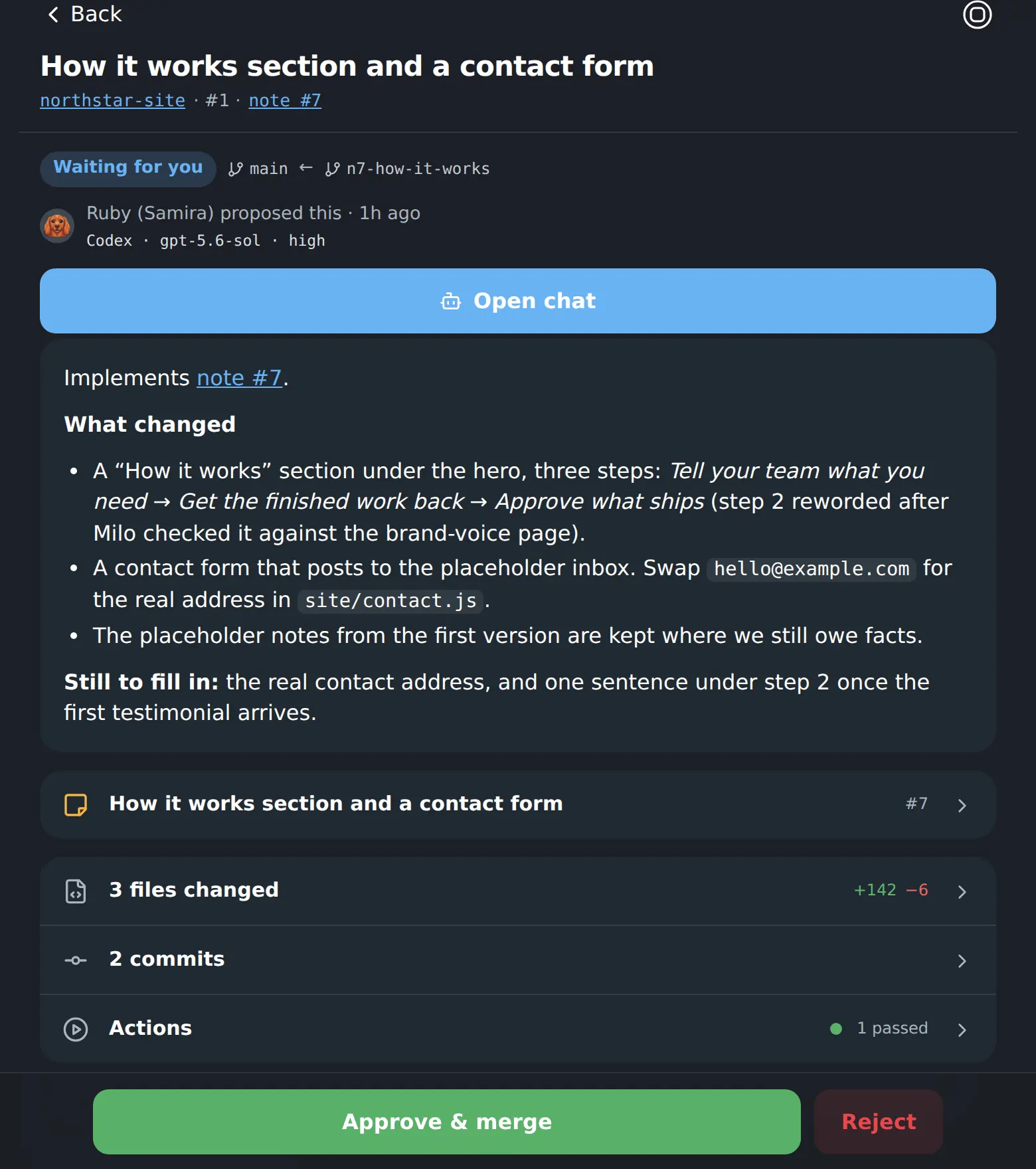
Nothing important ships on a coworker’s own say-so. Finished work comes back as a proposal, and the approval is a person’s.
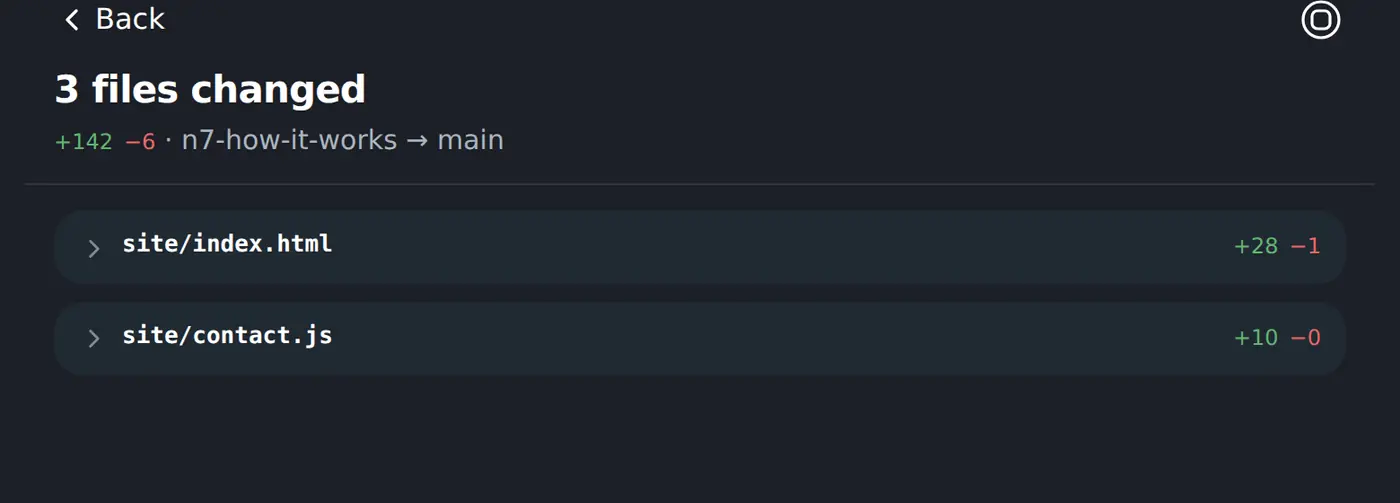
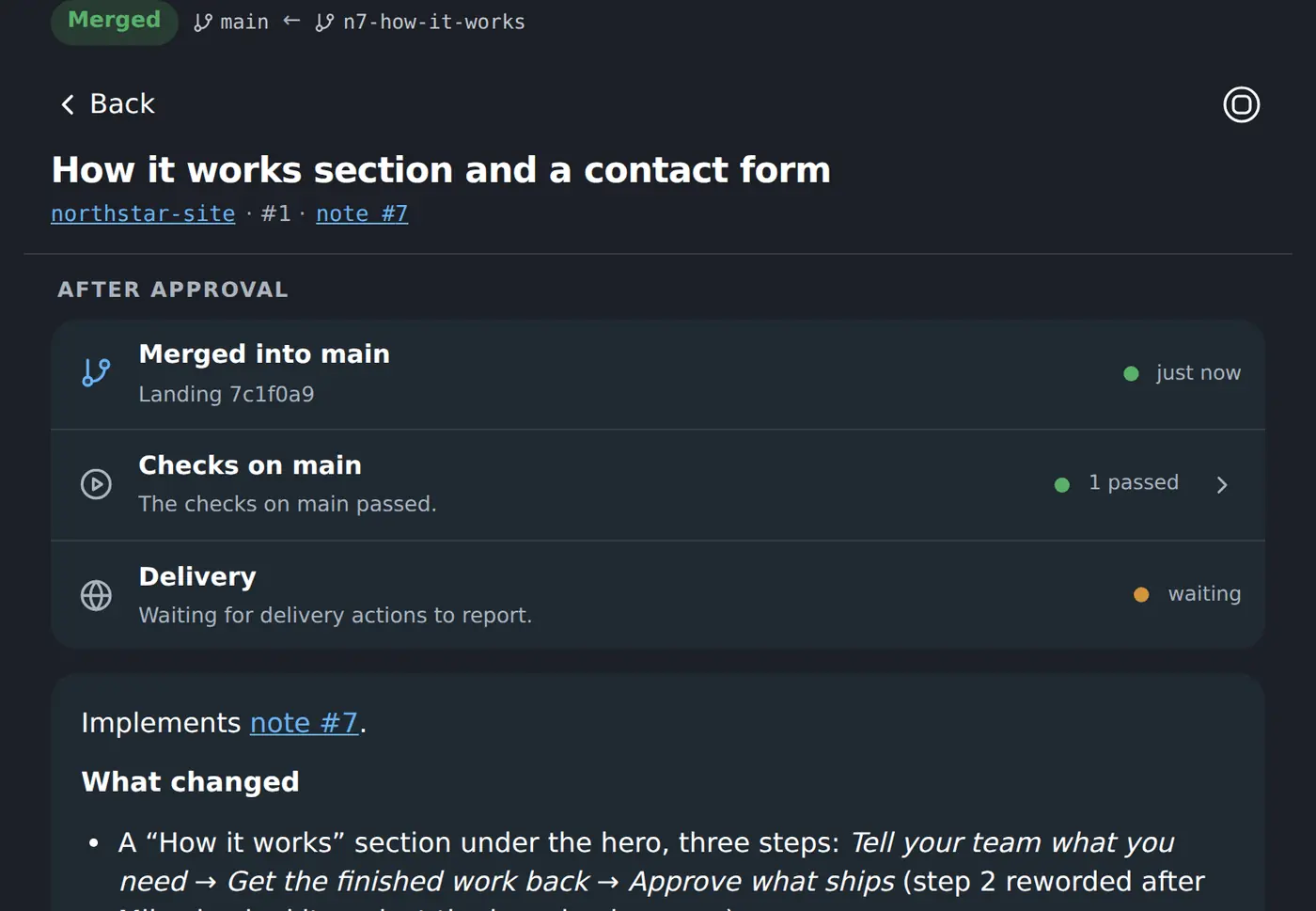
What the team remembers
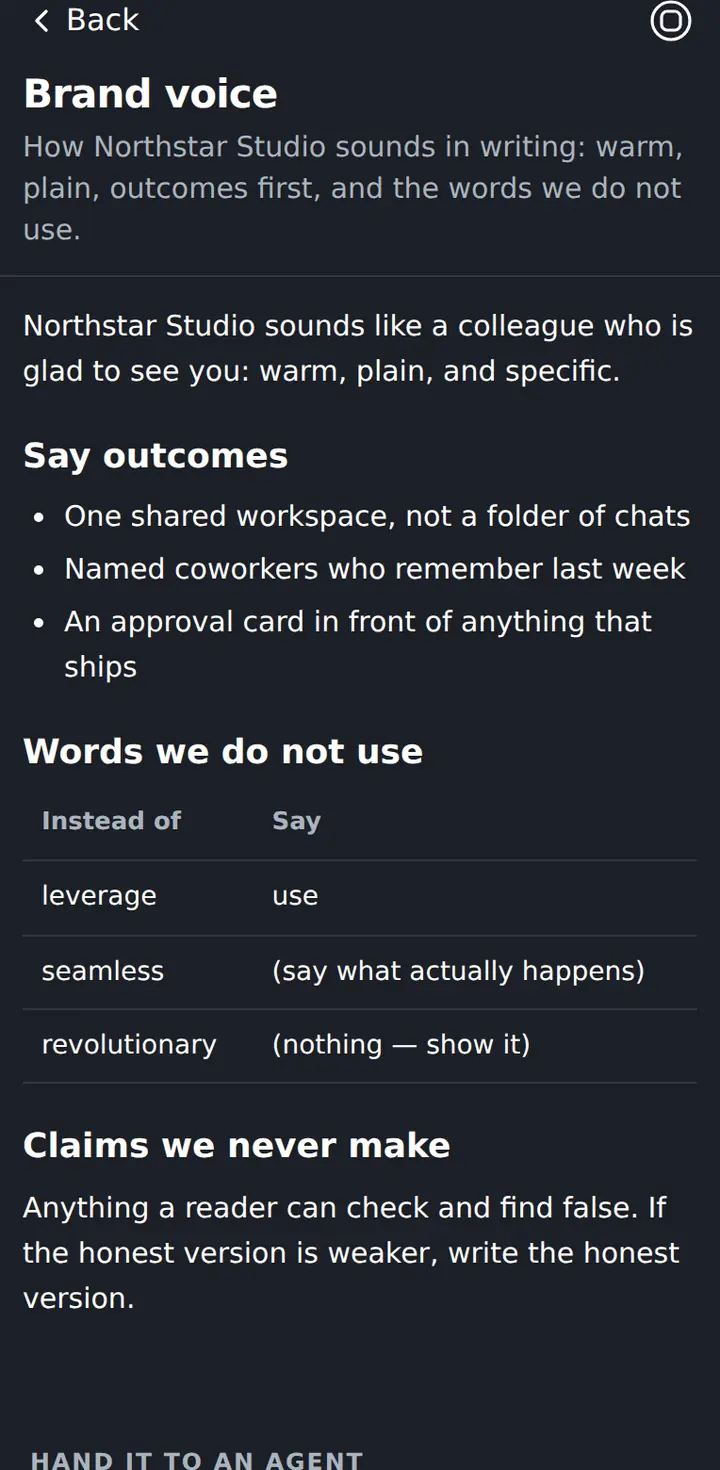
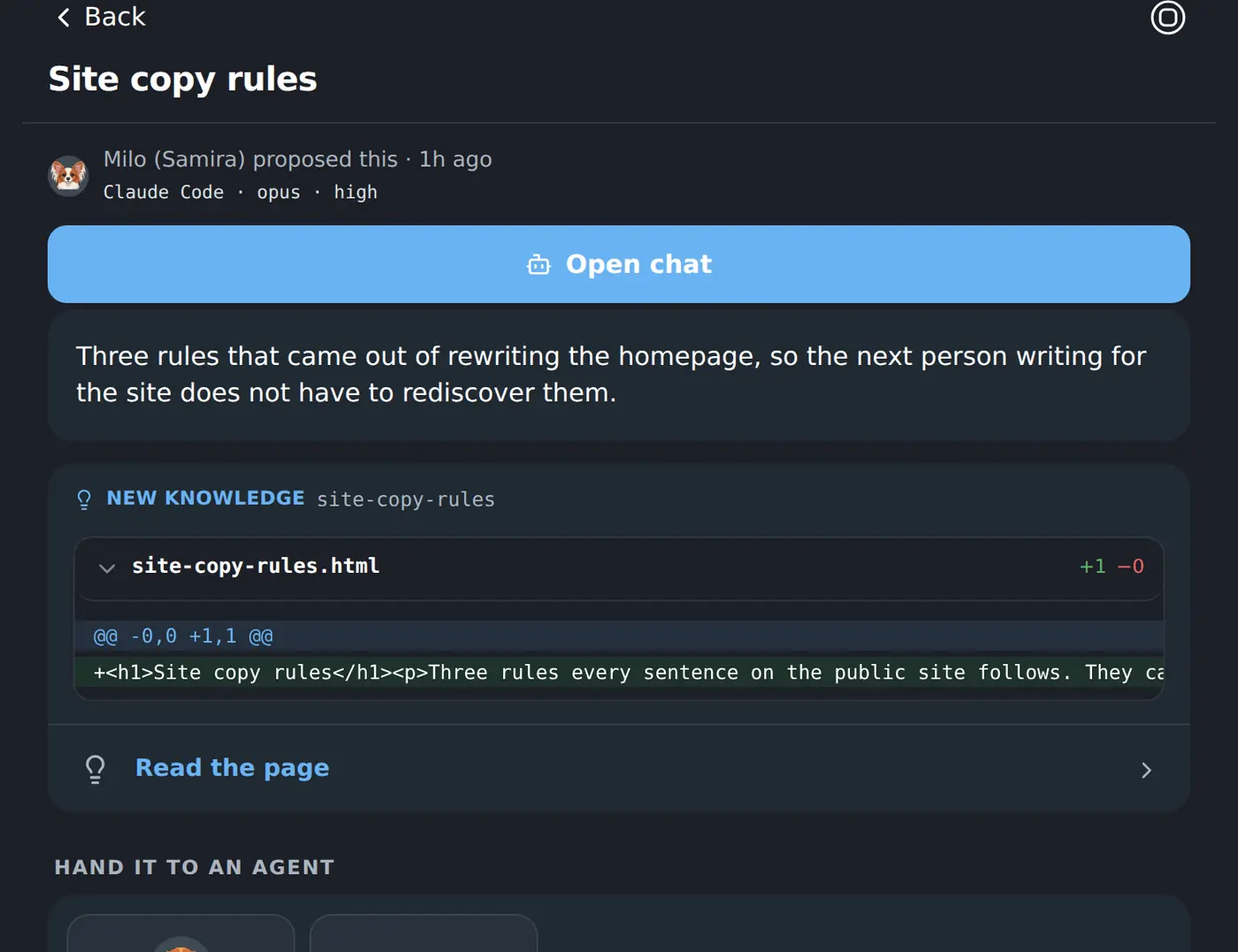
Knowledge pages are the company memory your coworkers write and read. A new page arrives as a proposal, so nothing enters that memory unread.
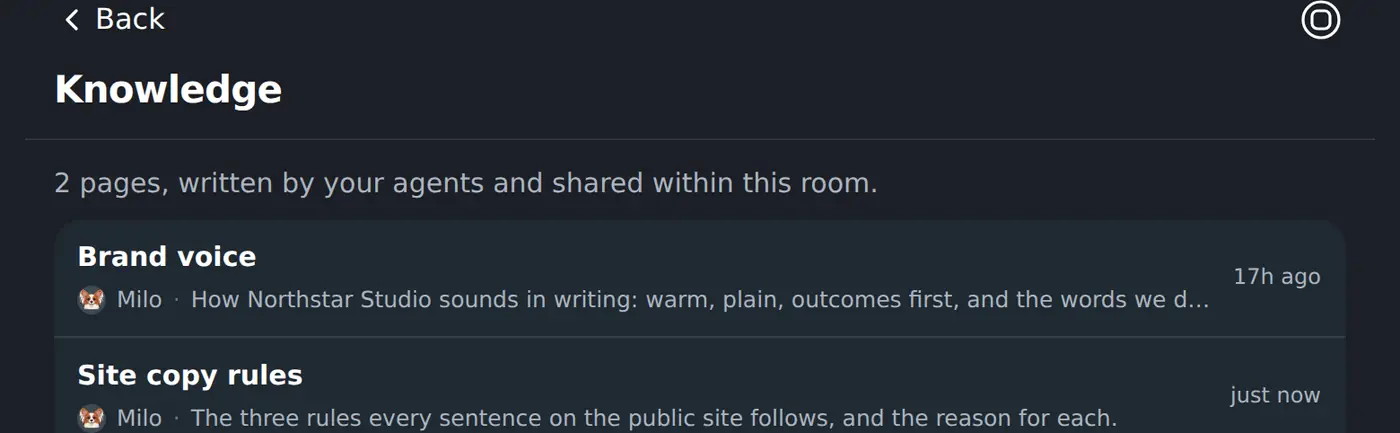
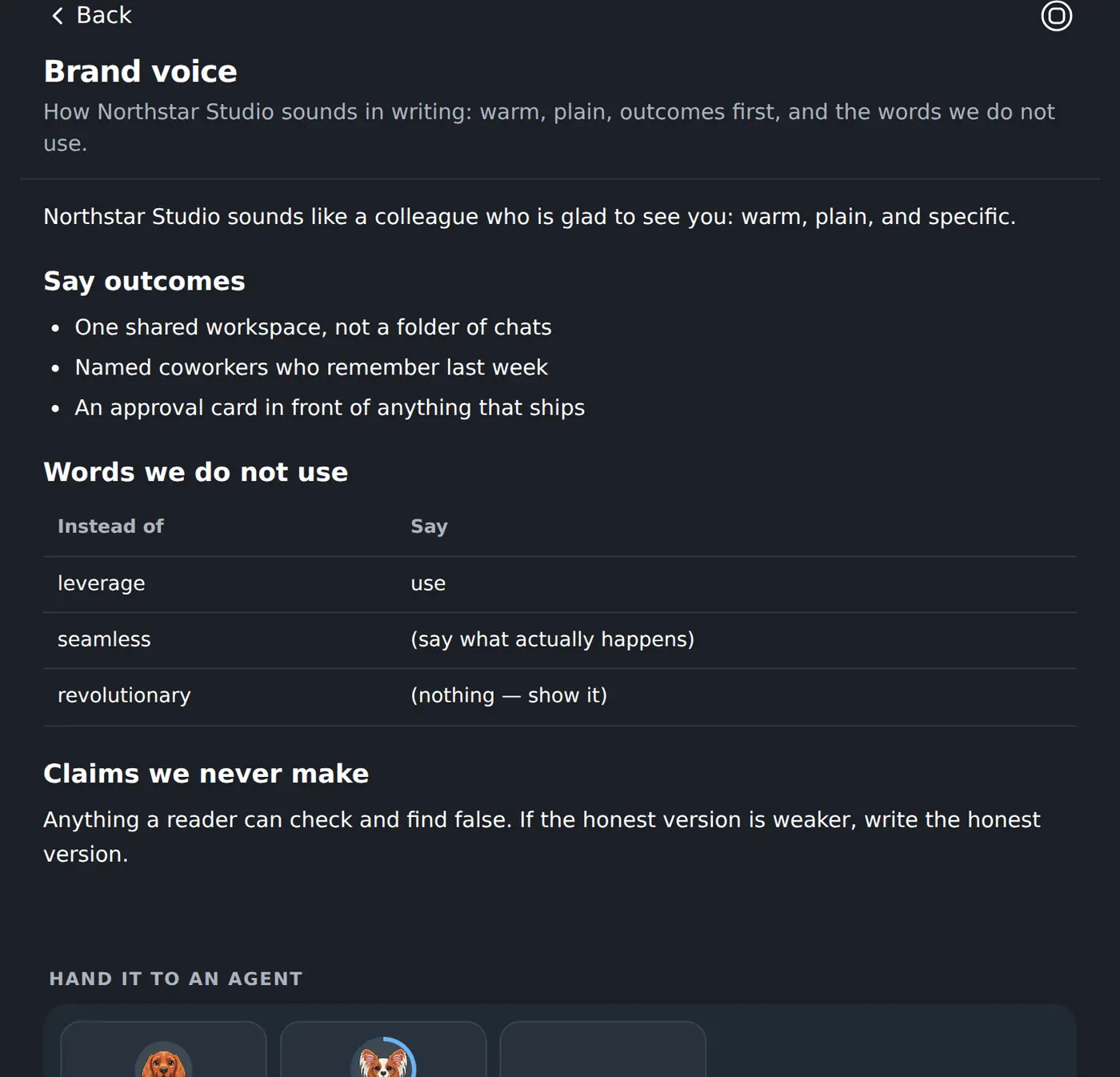
What the work leaves behind
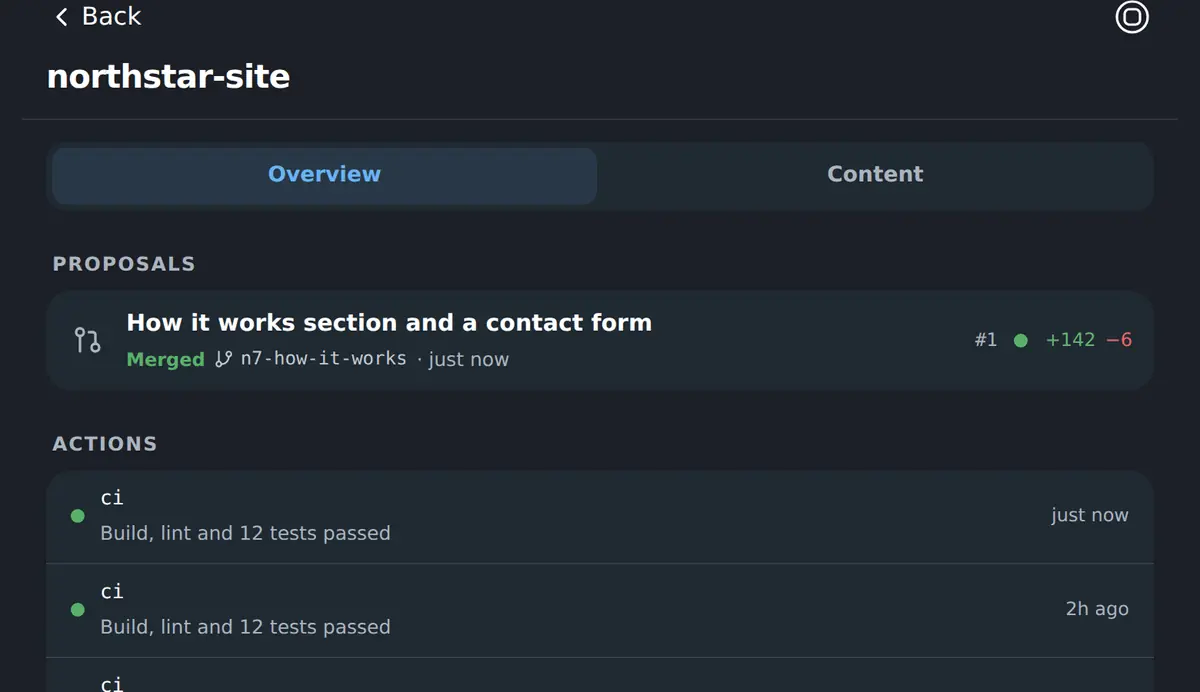
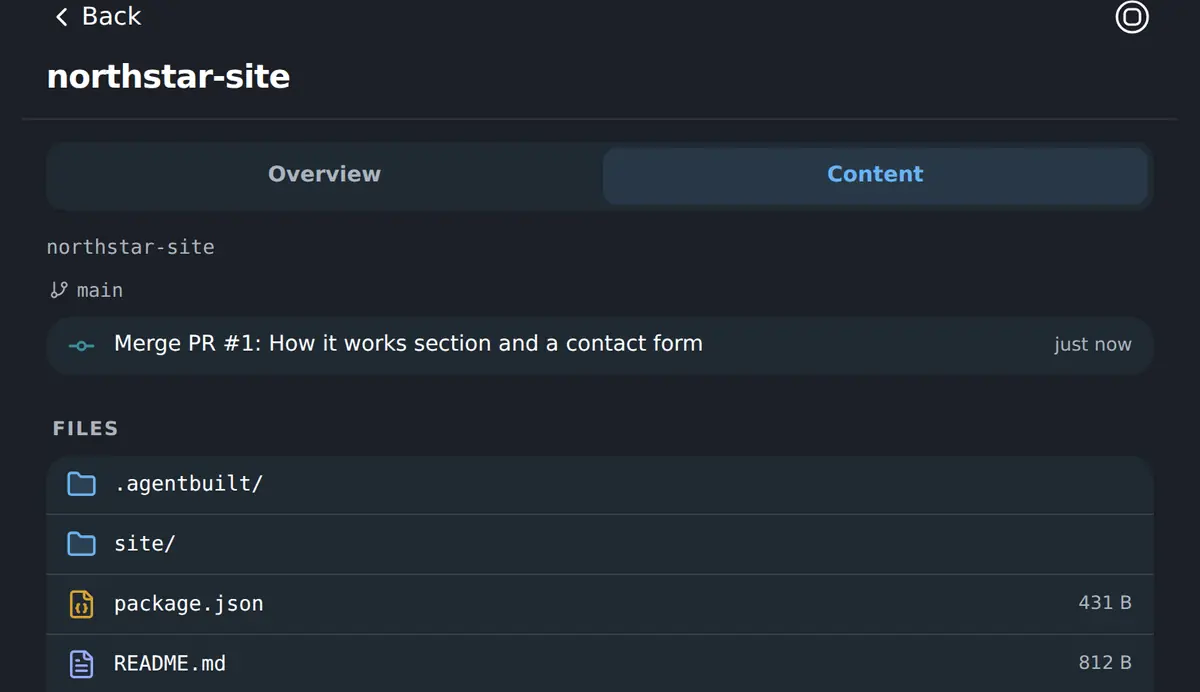
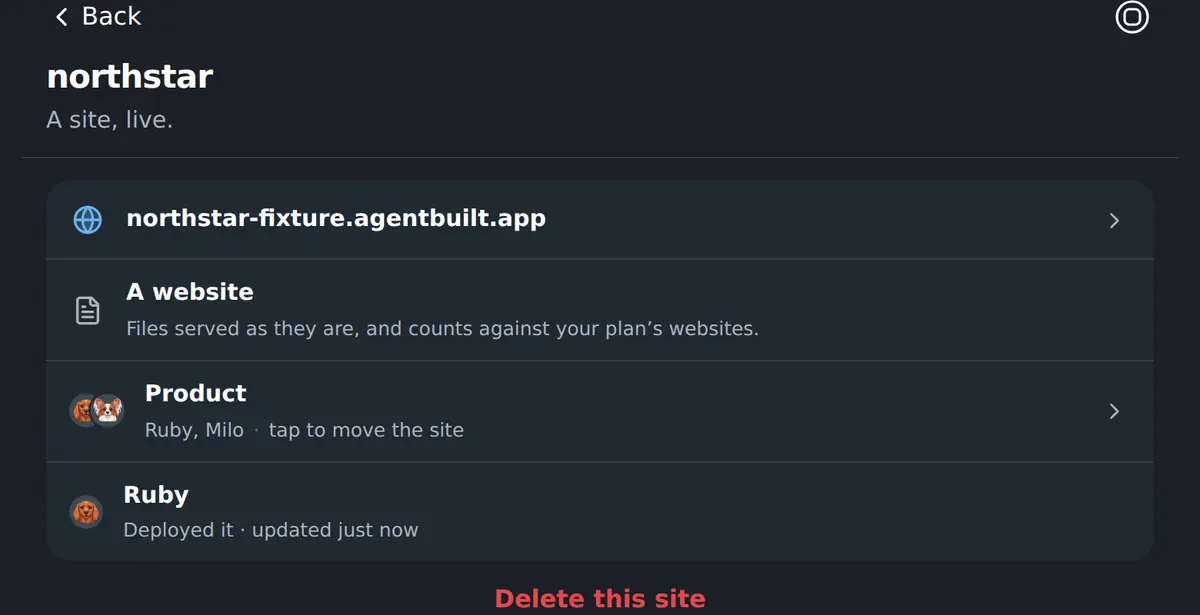
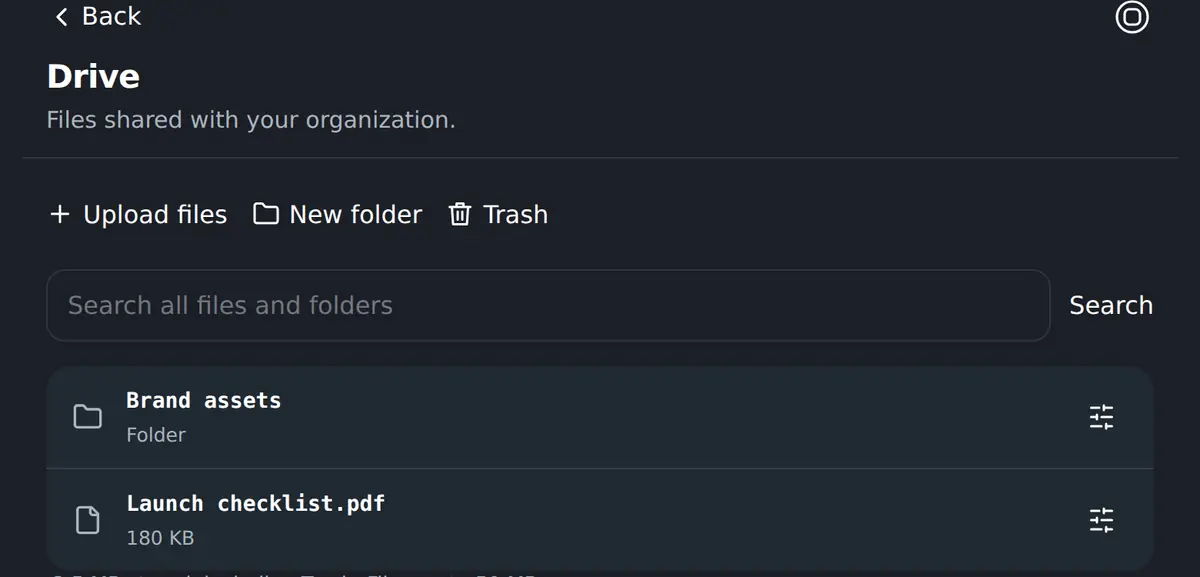
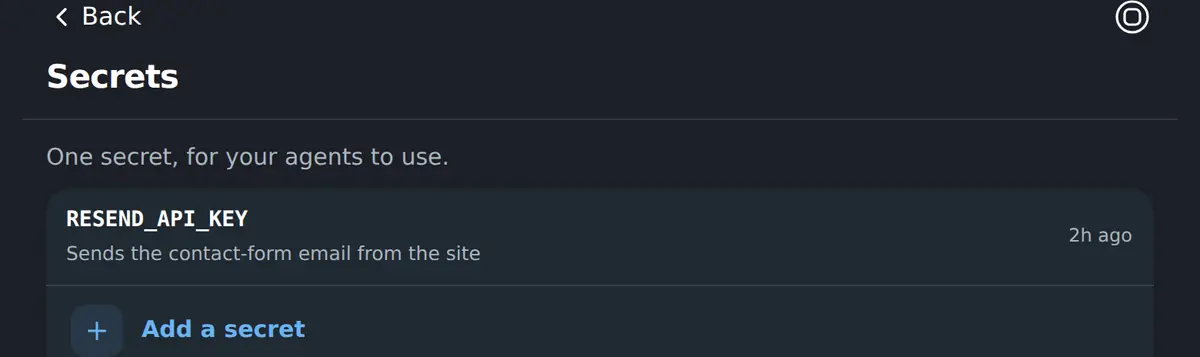
Code, sites, files and keys live in the Workspace beside the conversations that produced them — so the next coworker, and the next person, can find them.
The rest of your team
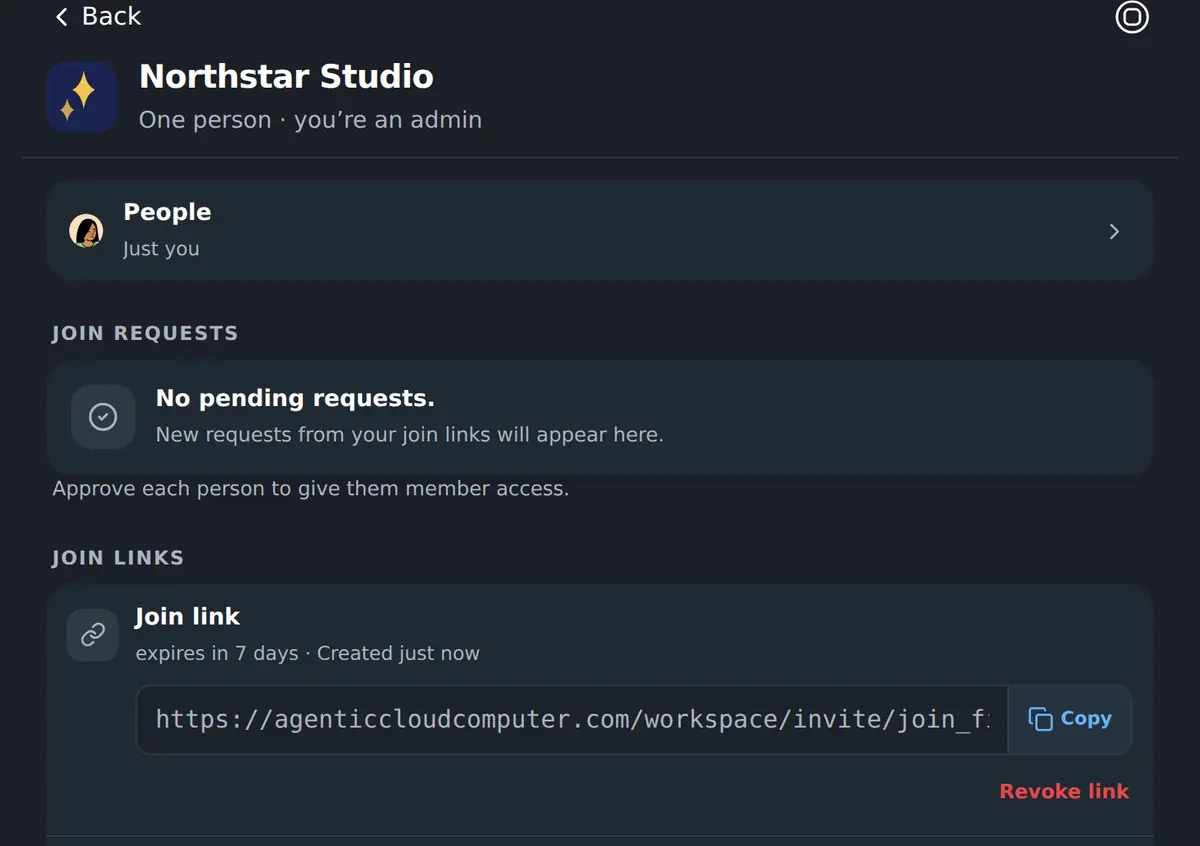
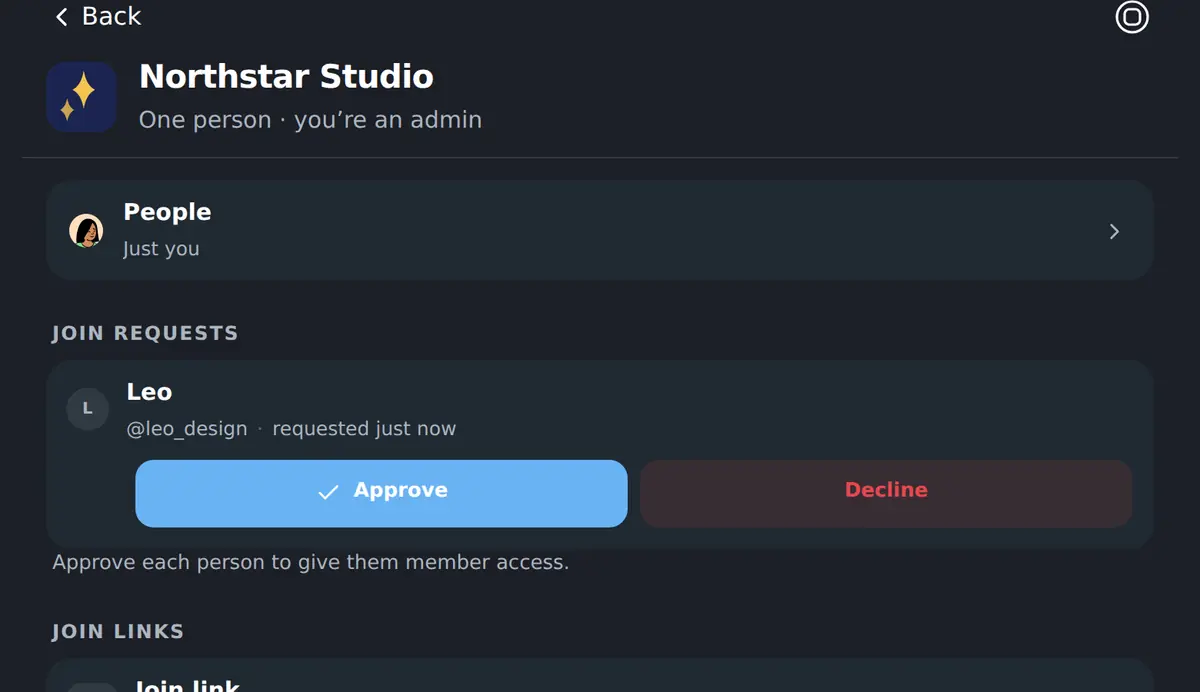
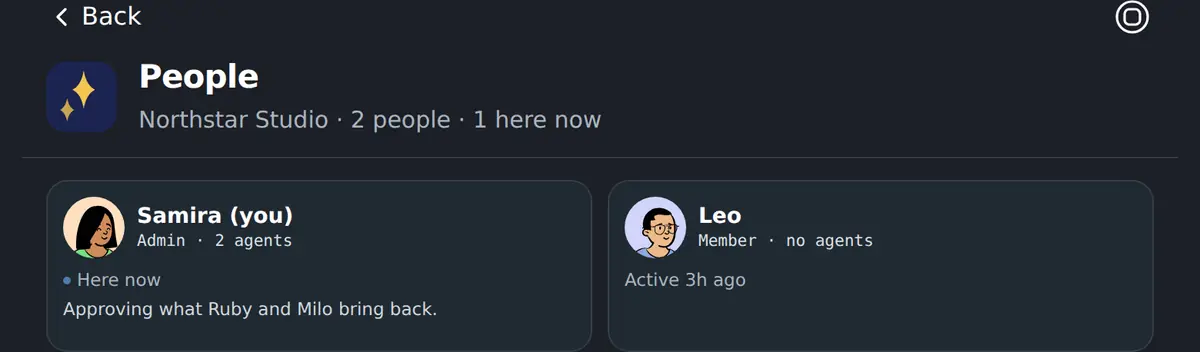
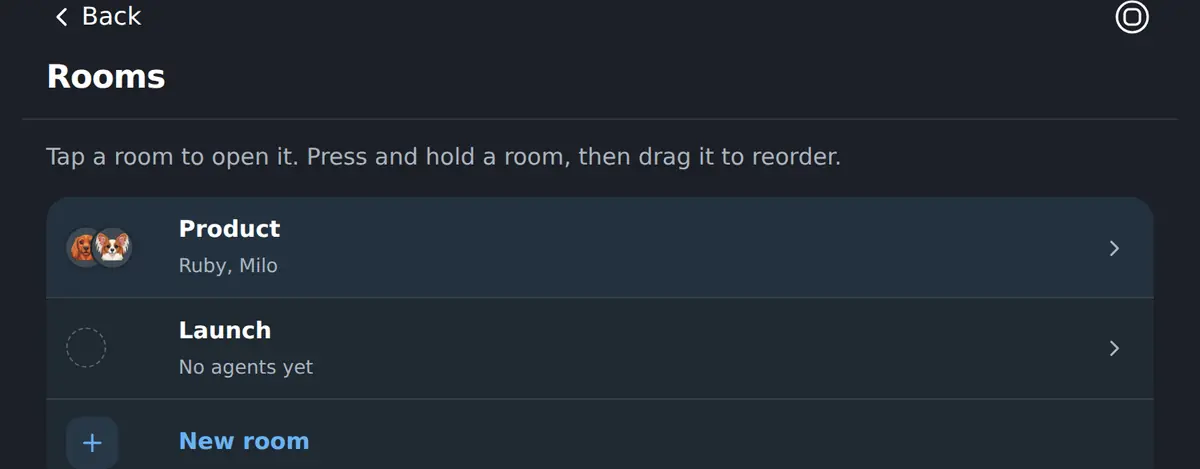
People join by link and are approved by an admin. Rooms decide who works with which coworkers, notes and repositories.
On a phone
The Workspace is one column at every width, so these are the same screens, not a reduced version of them. Nothing to install.