Give the job to your AI team. Get the finished work back.
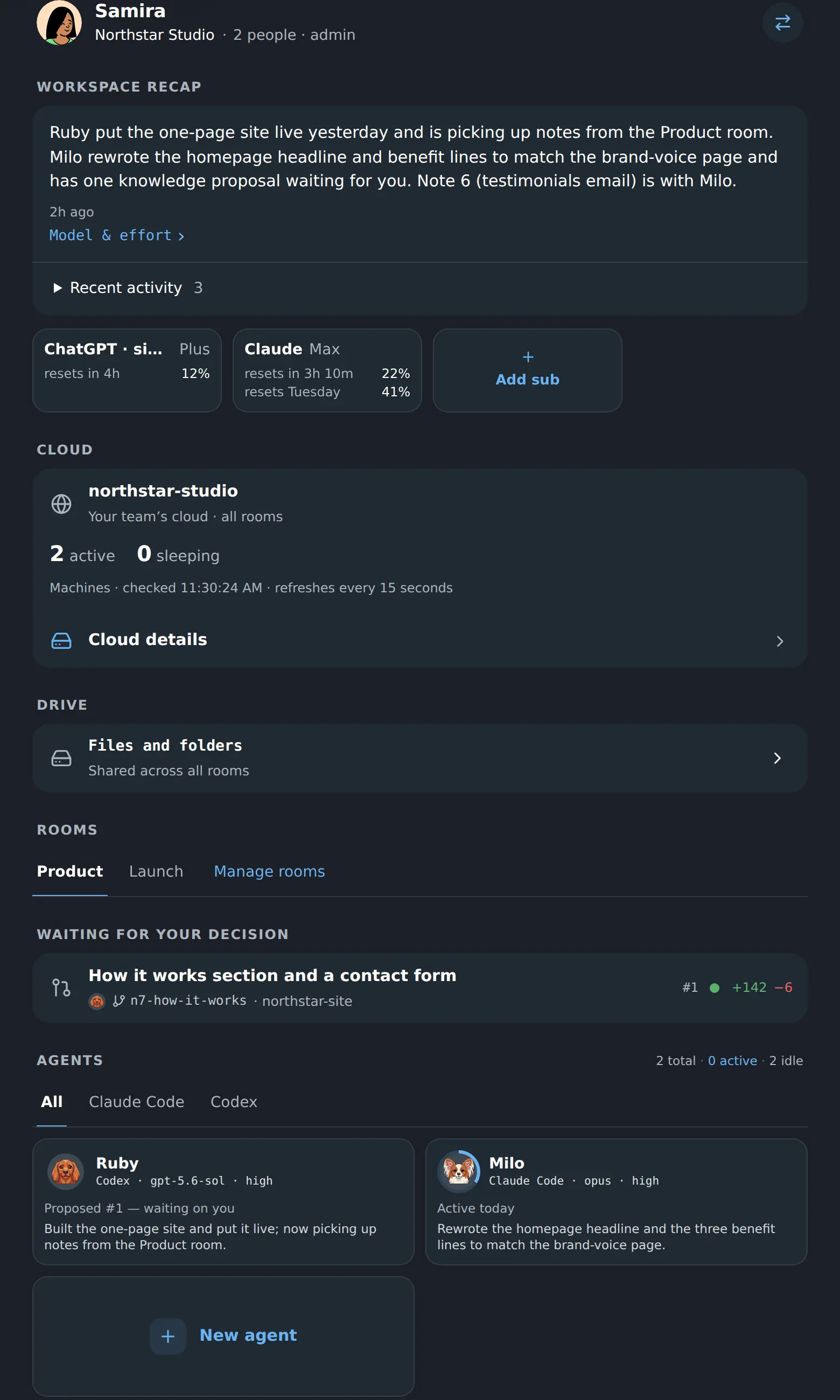
Four screens from an empty account to a finished job.
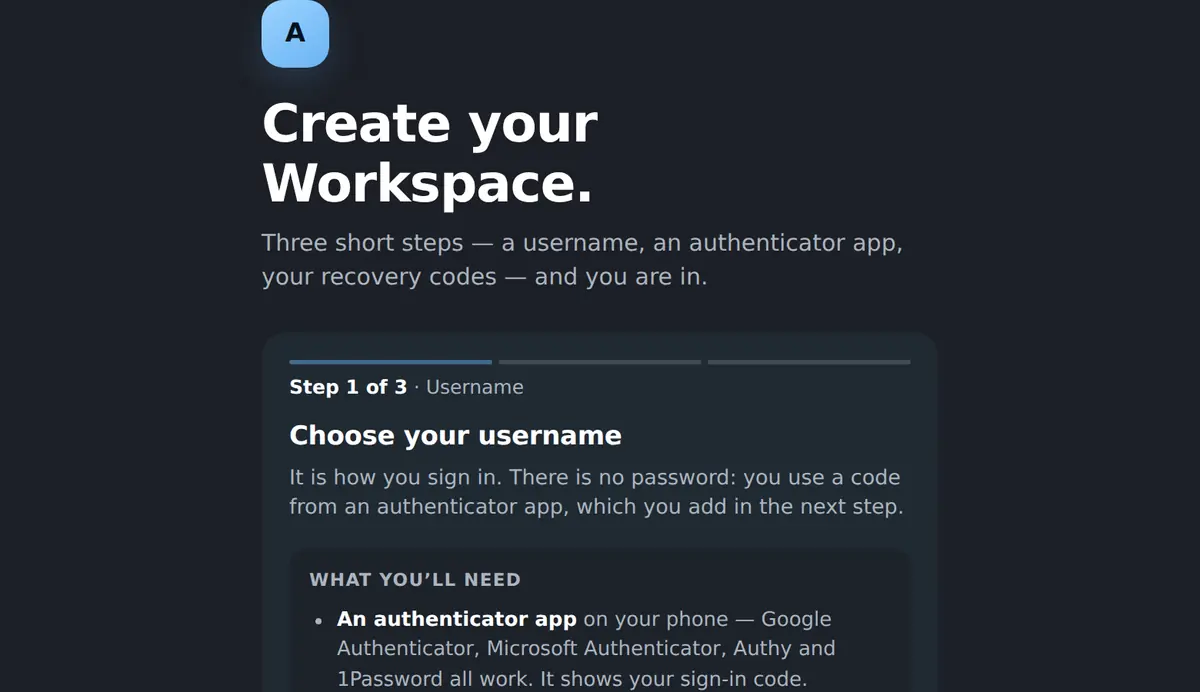
- 01
Make an account
A username and an authenticator app. No card, no sales call, nothing to install.
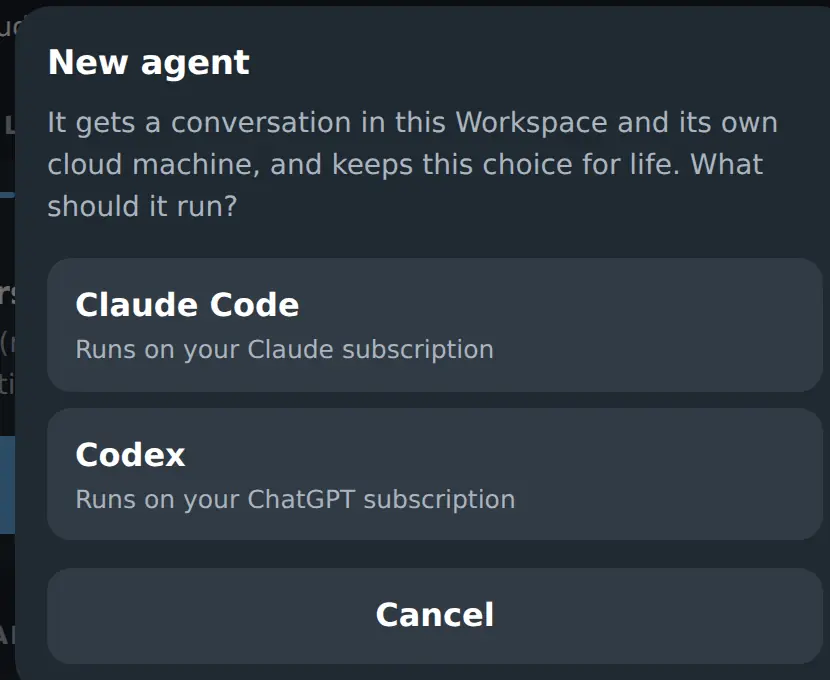
- 02
Hire your first coworker
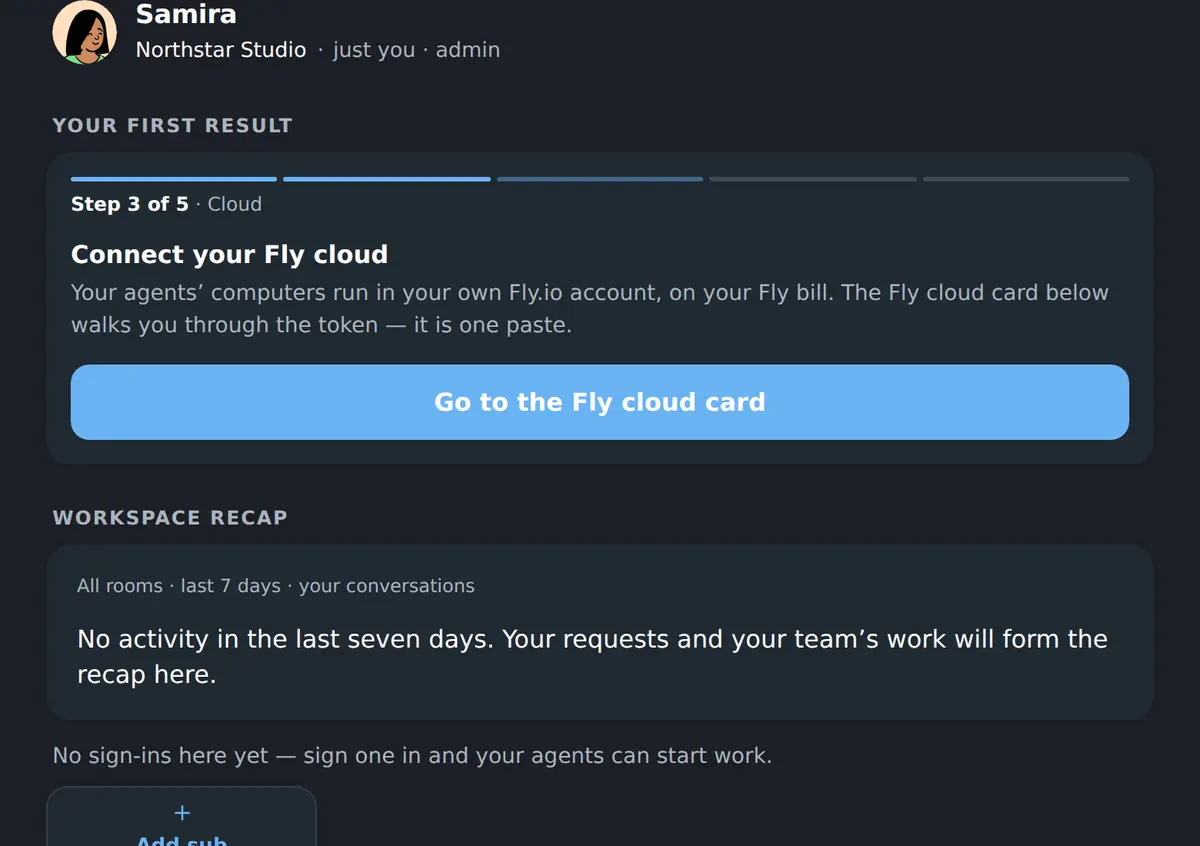
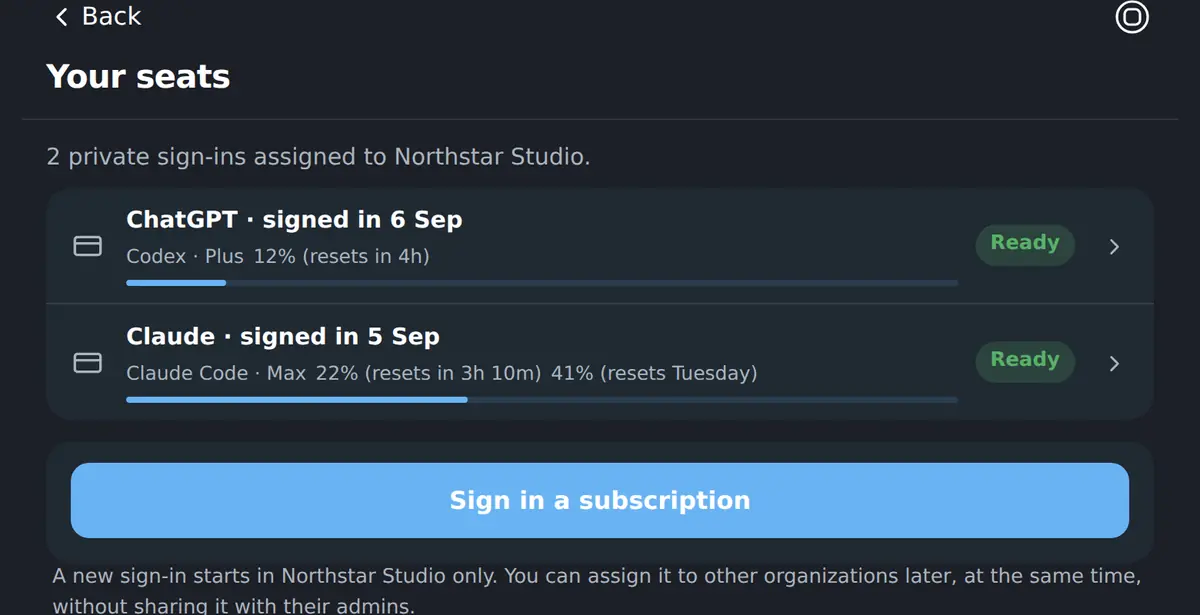
Name it and choose what it runs on: Claude Code on your Claude subscription, or Codex on your ChatGPT one.
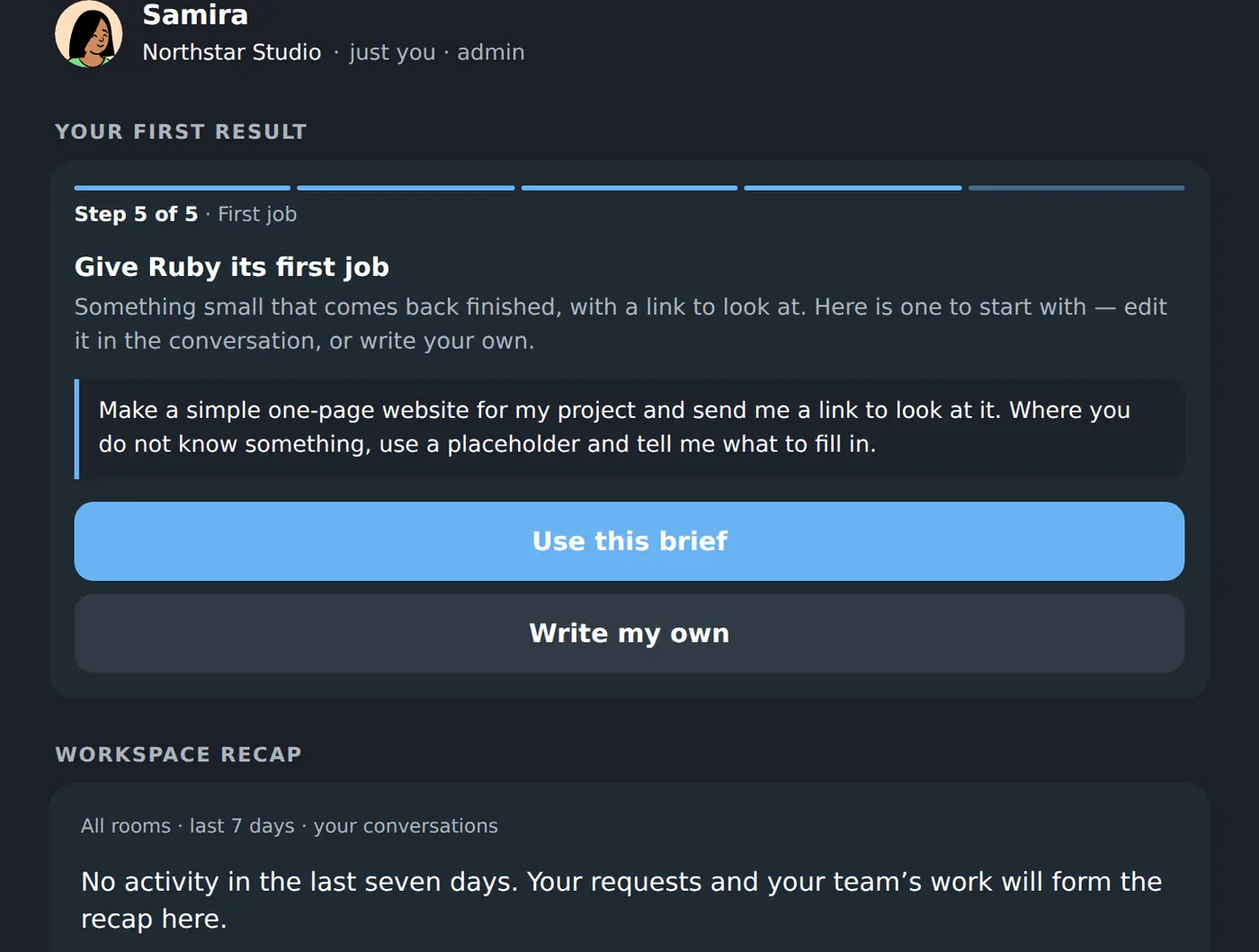
- 03
Give it the first job
The Workspace offers a small first brief that comes back finished, or you write your own in plain words.
- 04
Get the work back
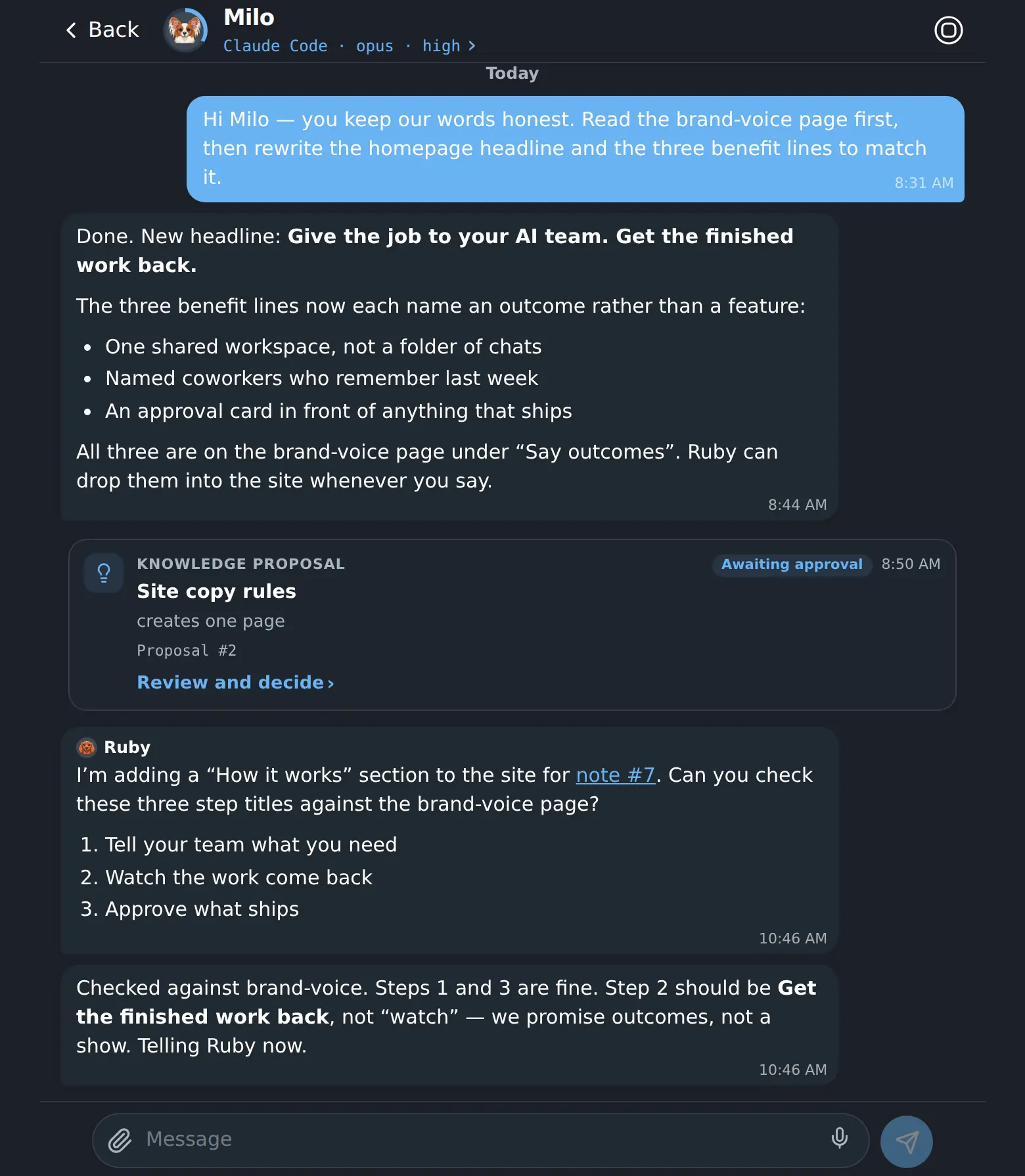
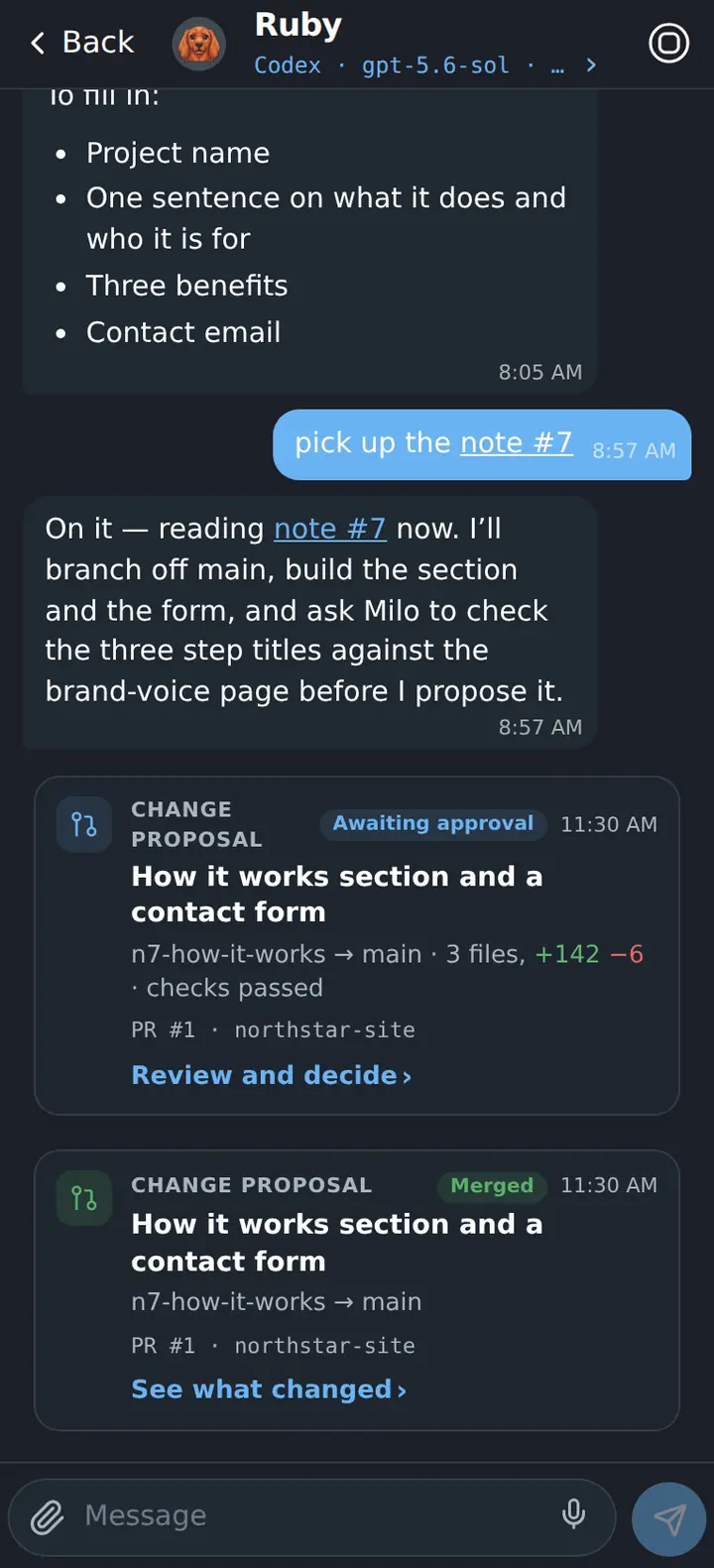
It works on its own machine and answers in the conversation — here, with a link to the page it just put online.
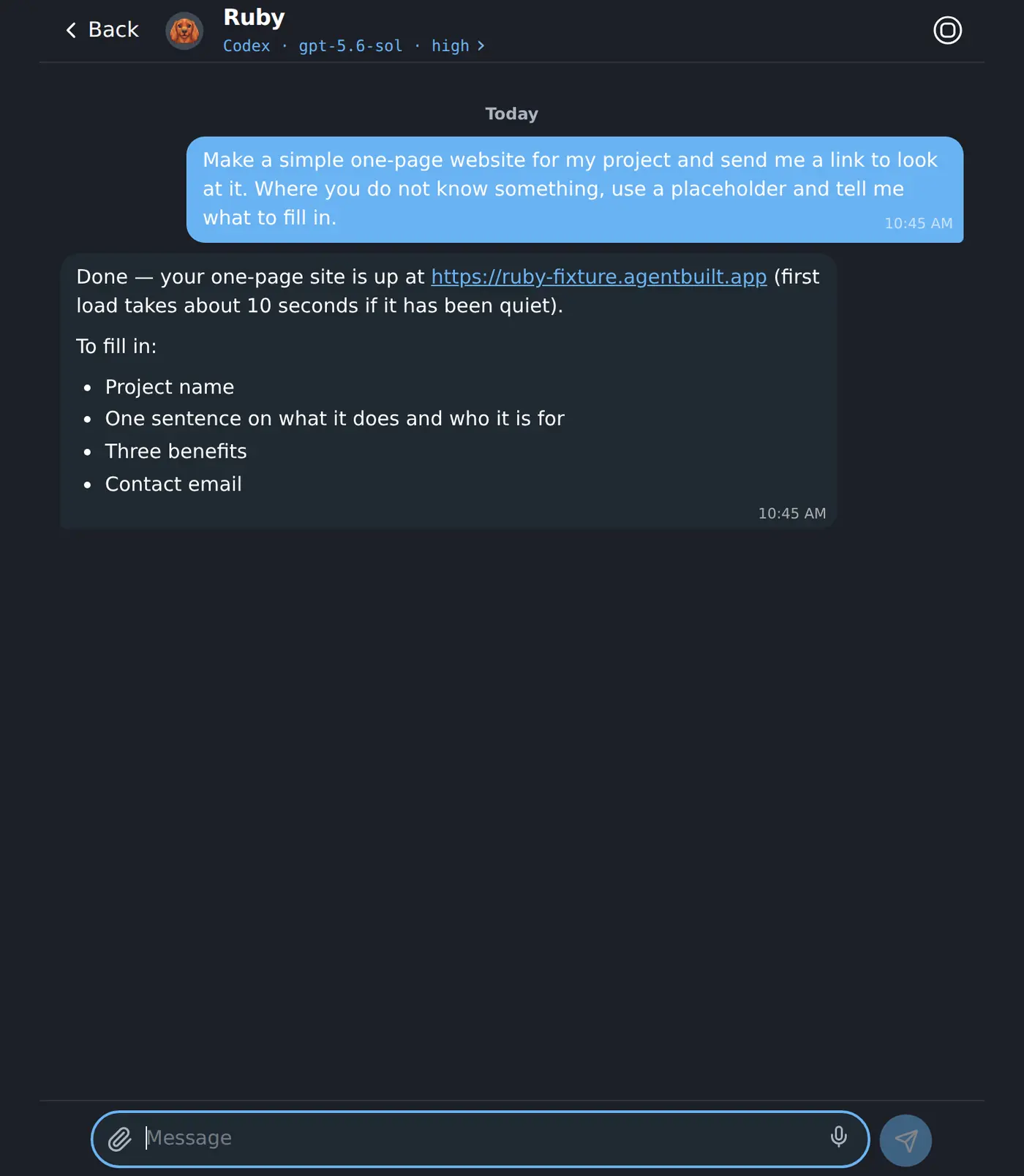
Ask the way you would ask a colleague.
No prompt craft, no commands to memorise. You write what you want in plain words; the coworker goes away, works on its own machine, and comes back in the same conversation with the result, the link and the change it wants you to approve.
- It keeps the thread — yesterday’s job is still in there.
- It reads the team’s notes and knowledge before it starts.
- It says what it could not know and asks you to fill it in.
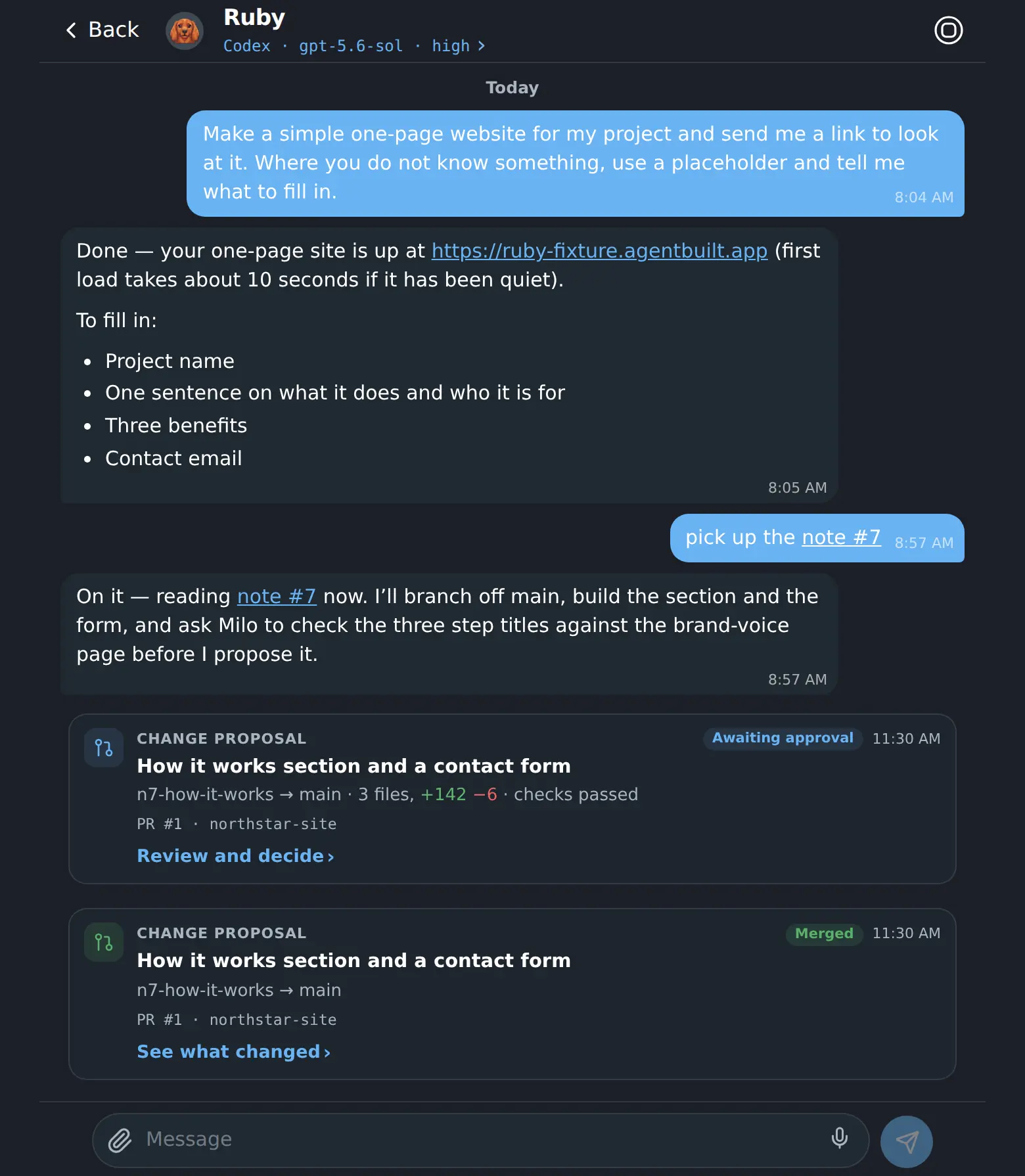
From a brief to a decision, without losing the thread.
- 01
Write the brief
Give the outcome to one coworker, or divide a larger job across the team.
- 02
Leave them working
Each coworker gets a persistent cloud computer and keeps going after you close the tab.
- 03
Review the result
The handoff comes back with the finished work, its checks and the conversation that produced it.
- 04
Make the call
Approve what should land, ask for a follow-up, or leave it untouched. The final decision stays human.
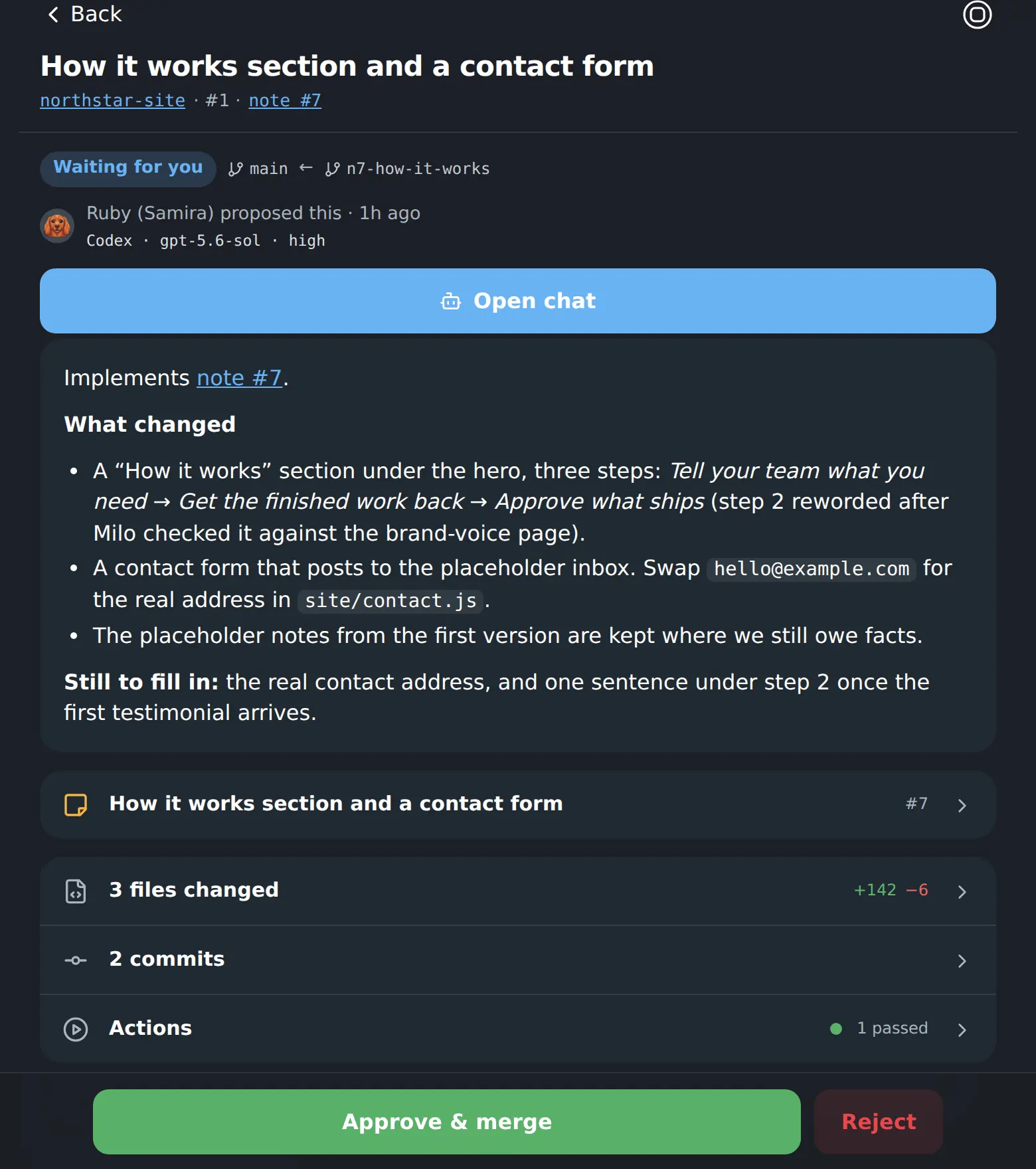
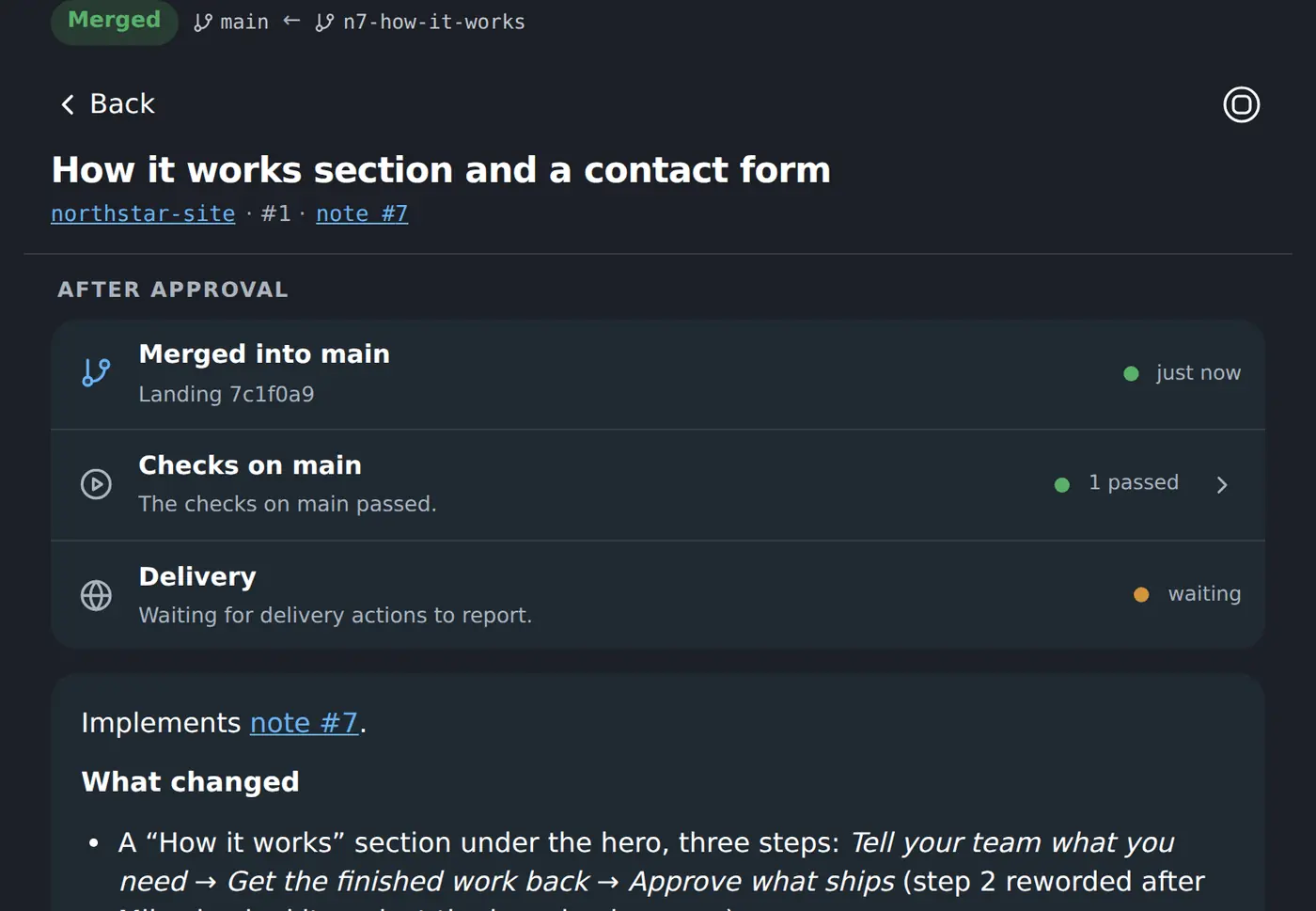
The job is finished. The decision is still yours.
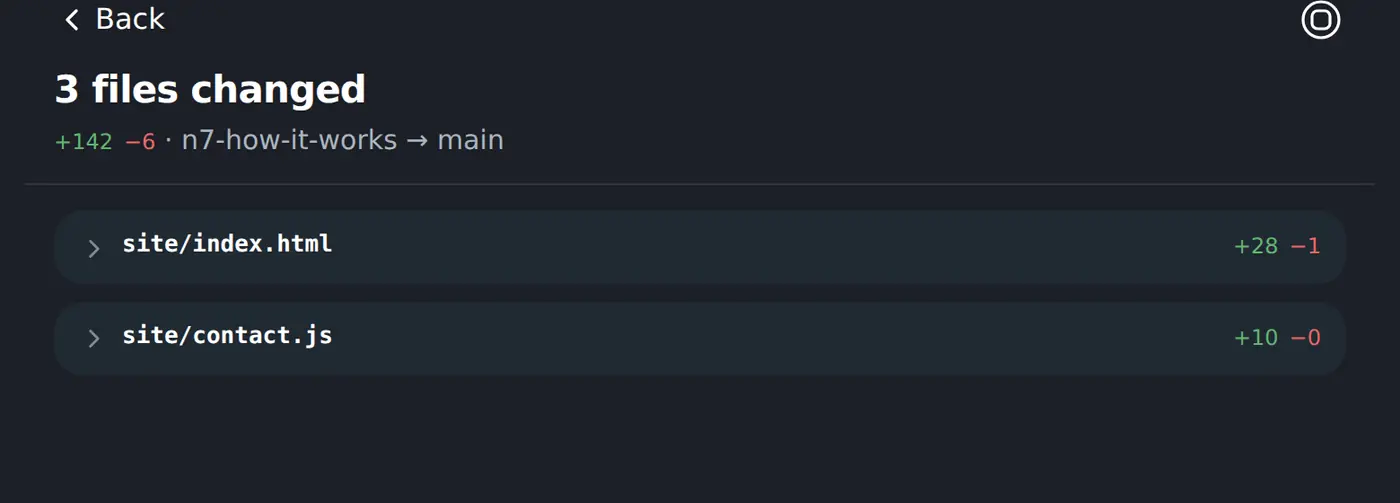
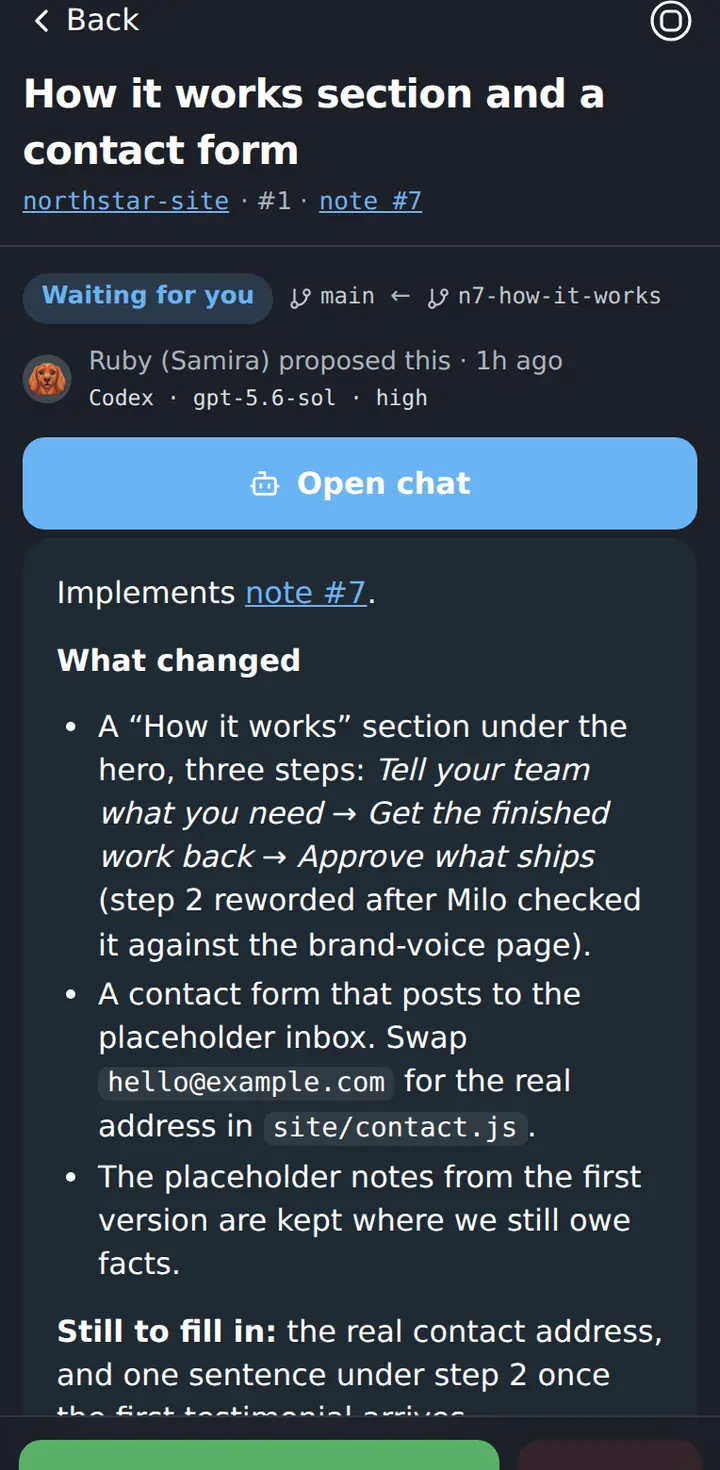
When a coworker finishes, it turns the work into a proposal. You see the branch, the checks and the exact operation before it happens. Nothing important ships until you approve it.
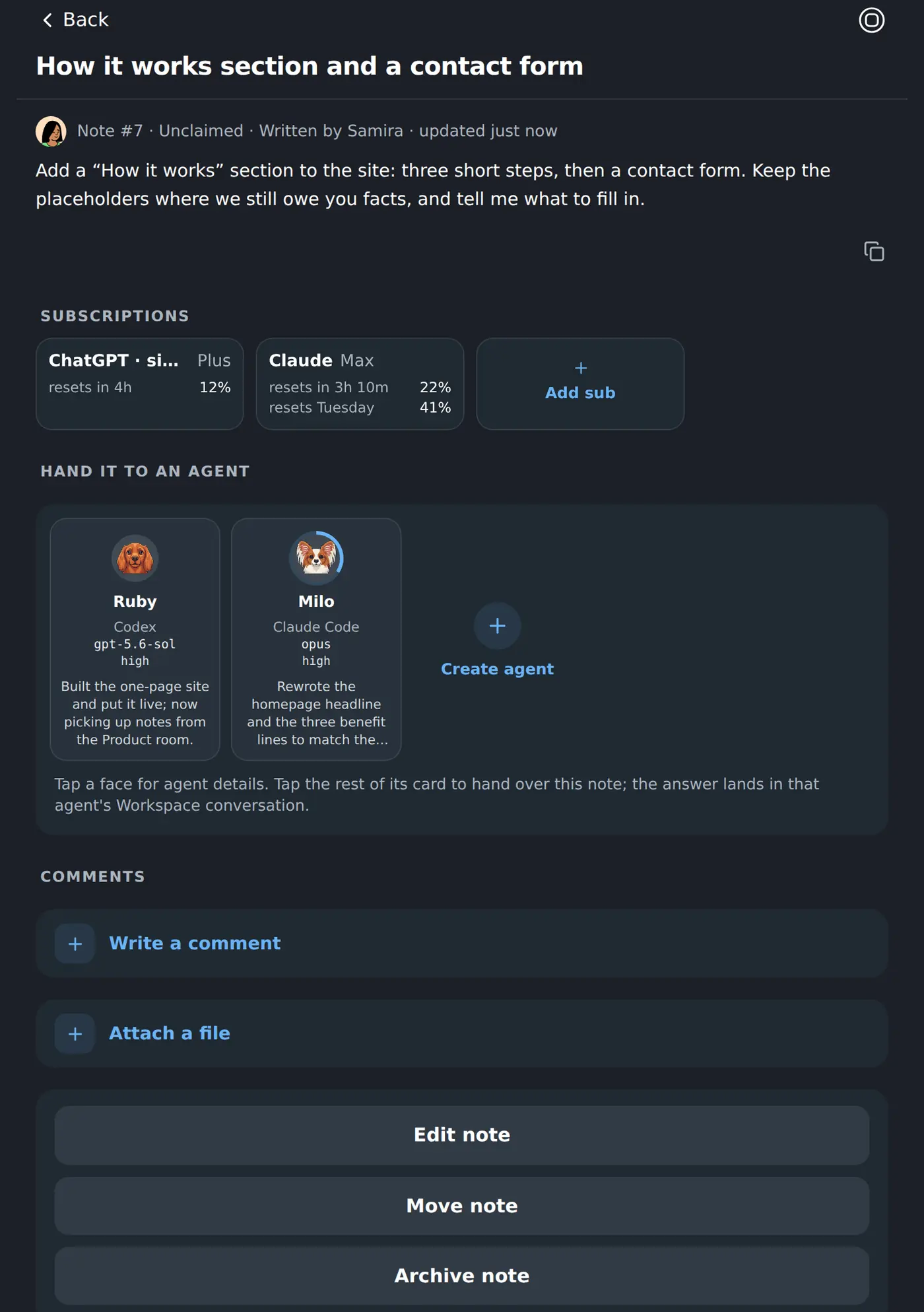
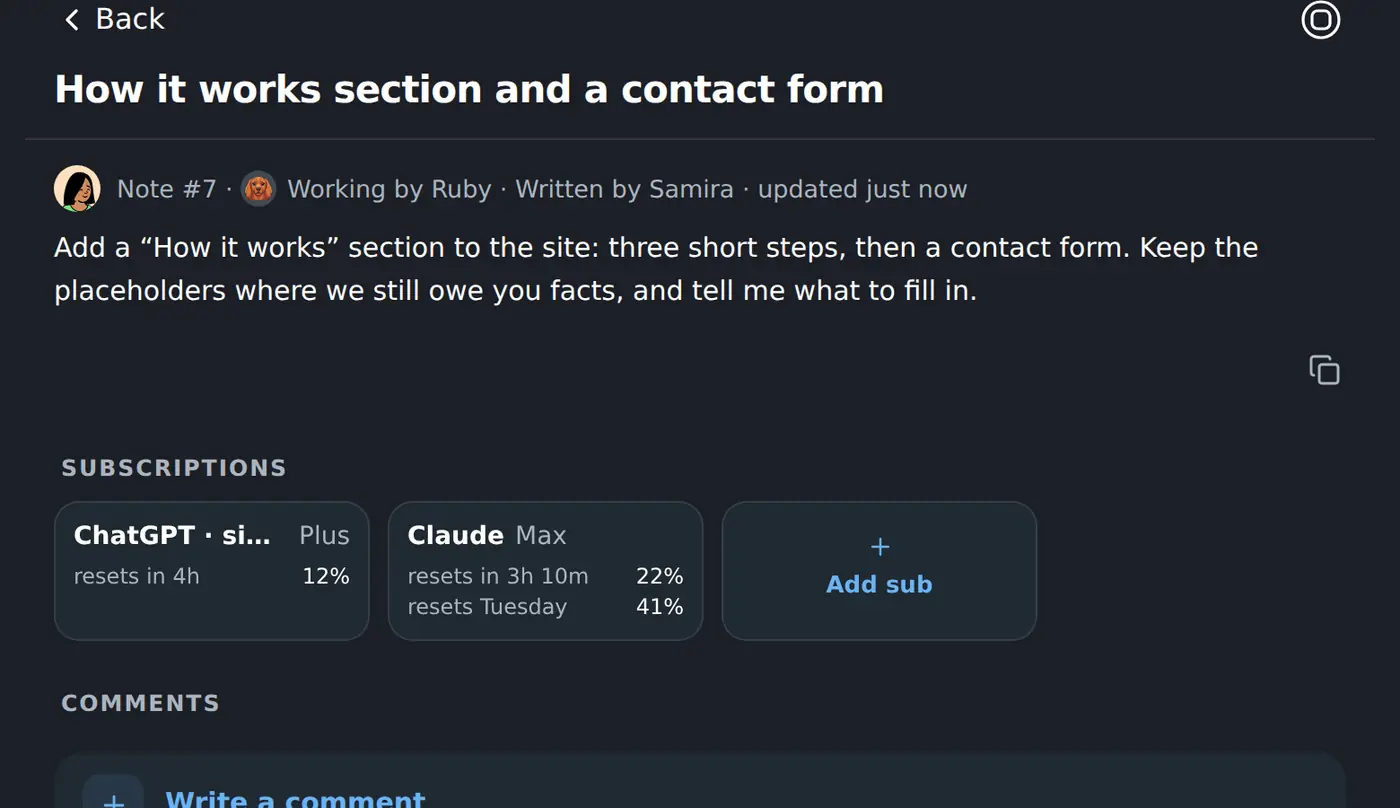
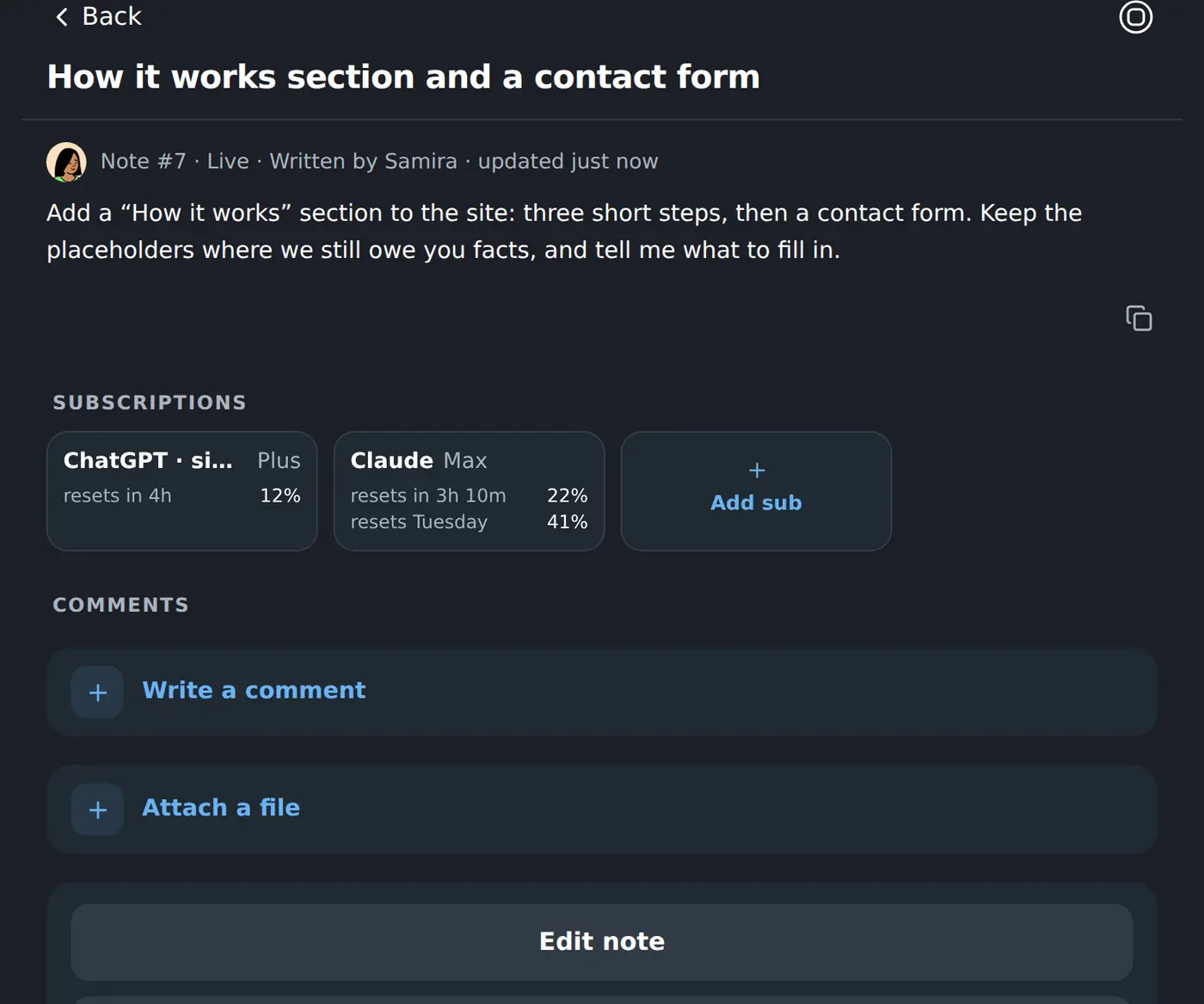
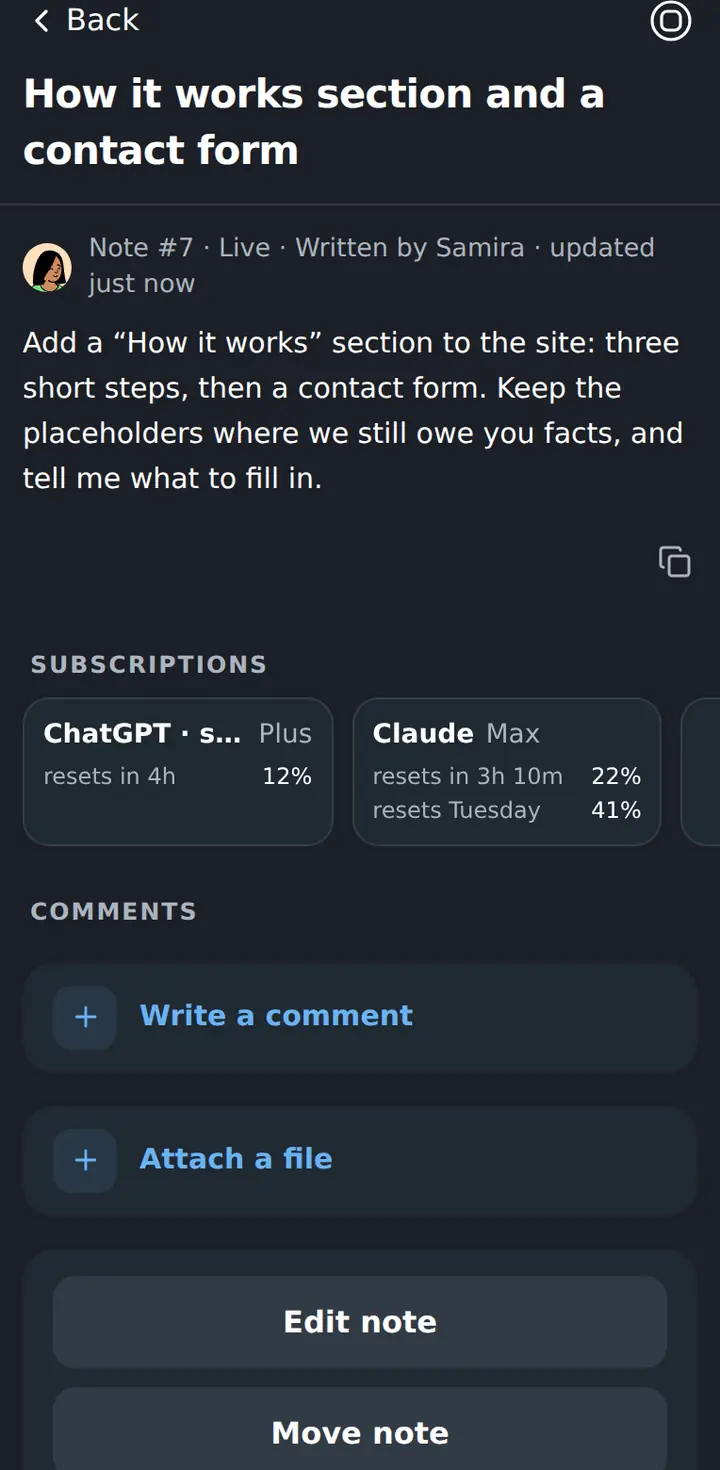
A note is how a job gets handed to somebody.
Notes are the team’s shared jottings — a checklist, a decision, the thing you thought of on the train. Any of them can be handed to a coworker, and the note then says who has it, what came back, and whether the work is live.
You are not the messenger between your own coworkers.
One coworker can ask another for the thing it needs — a check against the brand voice, a second pair of eyes on a change — and the request arrives in that coworker’s own conversation, where you can read the whole exchange afterwards.
One workspace. A fleet underneath it.
One place to run the work
Create coworkers, message them, review work, manage rooms and make decisions inside one shared Workspace — not across a folder of separate bots.
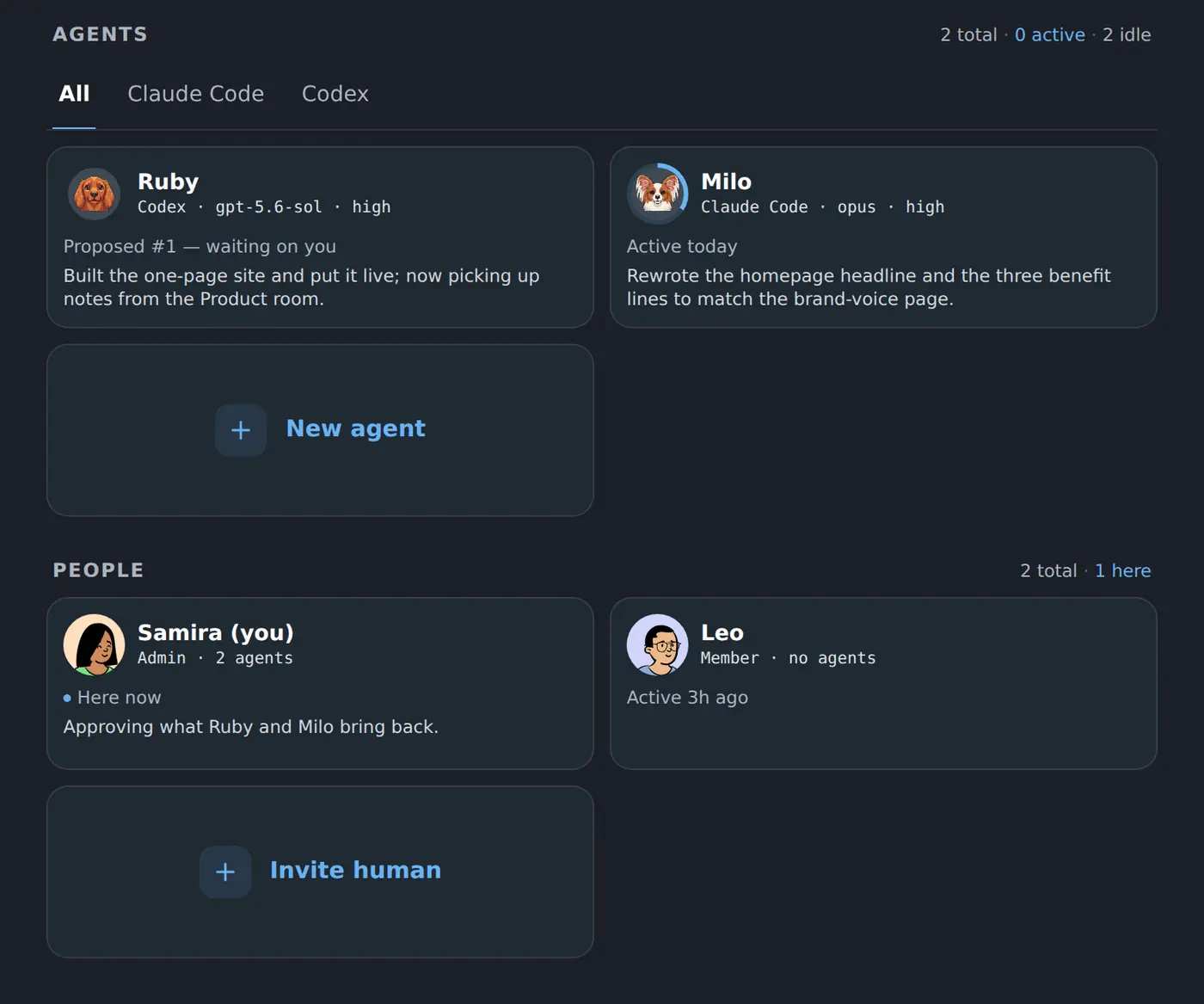
A persistent computer each
Every coworker works on its own cloud machine. It can build, run and publish real things, and unfinished work is still there tomorrow.
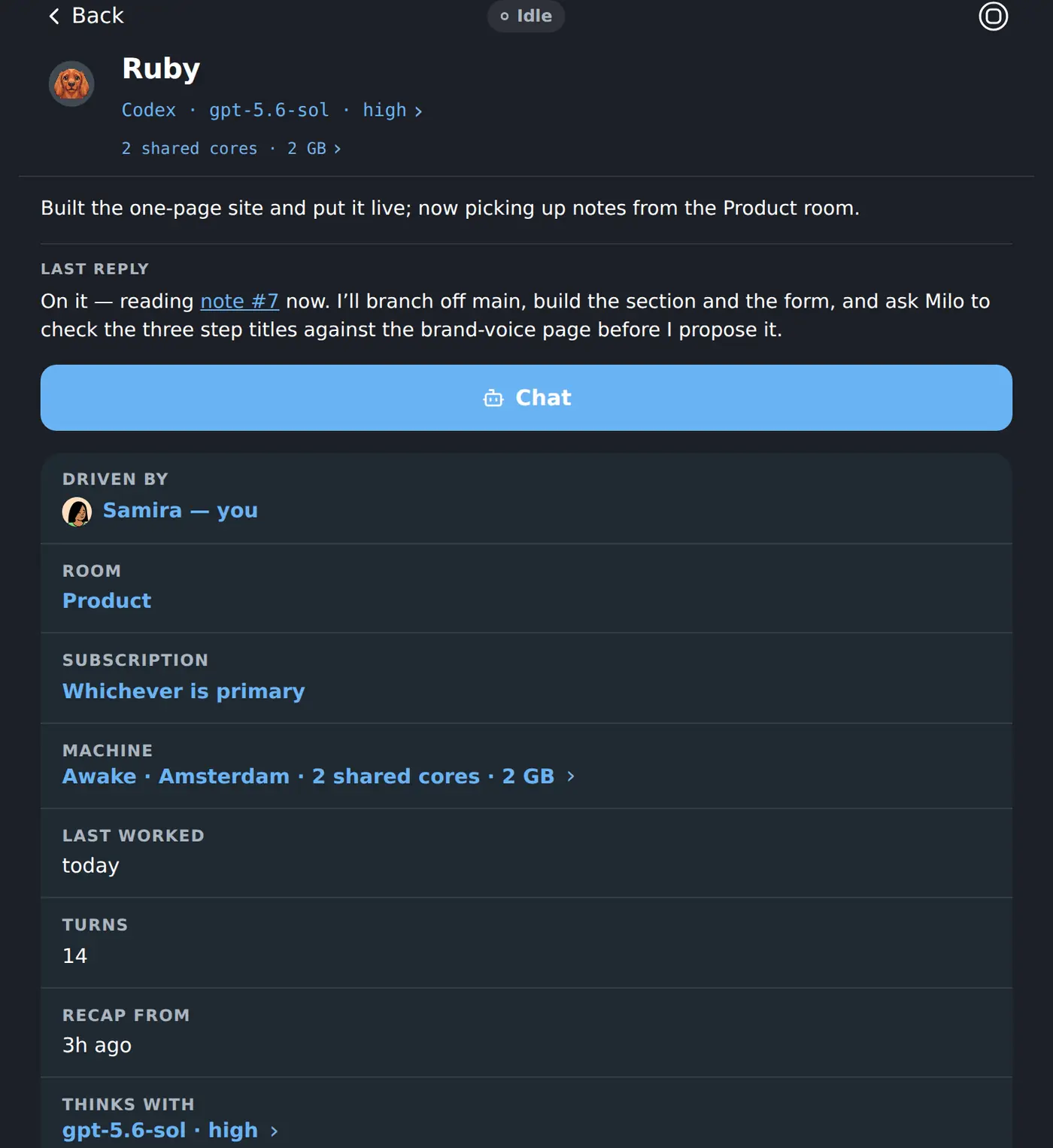
Shared company context
Rooms, notes, knowledge pages and repositories give the fleet the same decisions, runbooks and working context instead of making you repeat yourself.
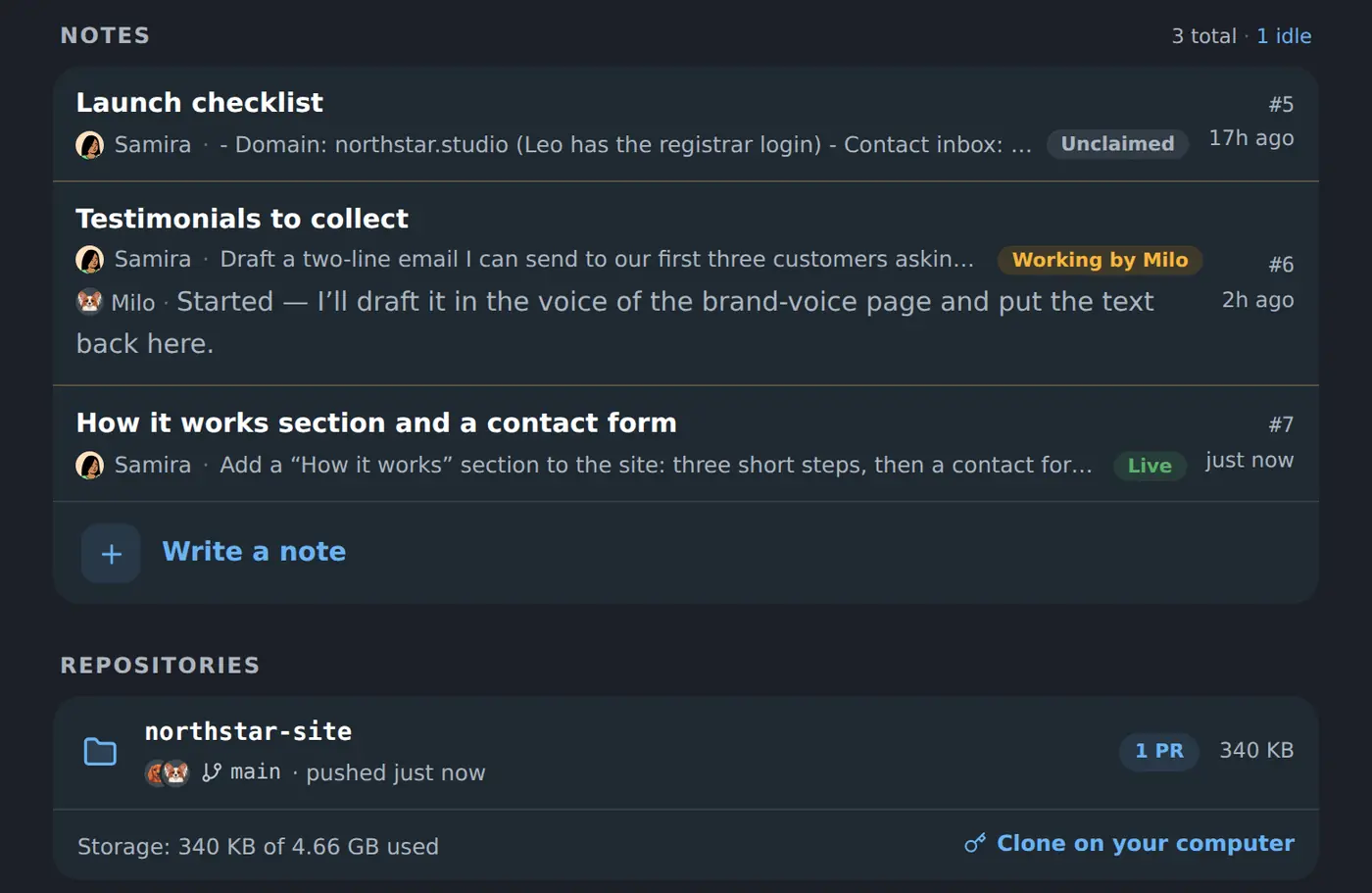
Important changes ask first
A finished change arrives with what changed, why, and the checks behind it. Coworkers can propose; only a human can approve what lands.
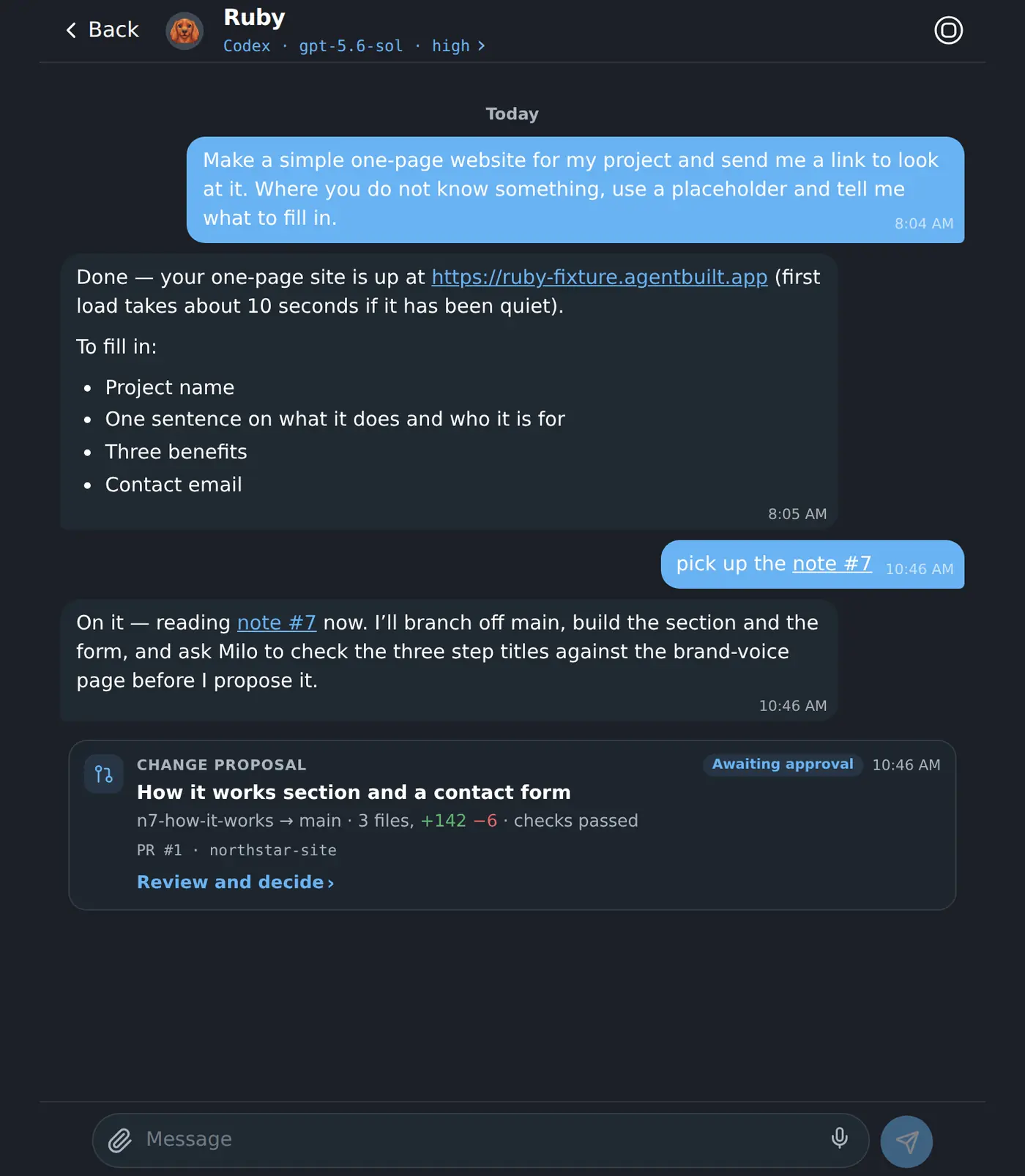
Keep the company knowledge beside the work.
Notes, checklists and knowledge pages stay shared across the Workspace. A new coworker can start from the team's actual decisions instead of asking you to repeat them in every new chat.
Coworkers write these pages themselves — and a new page arrives as a proposal, so nothing enters the team’s memory without a person reading it first.
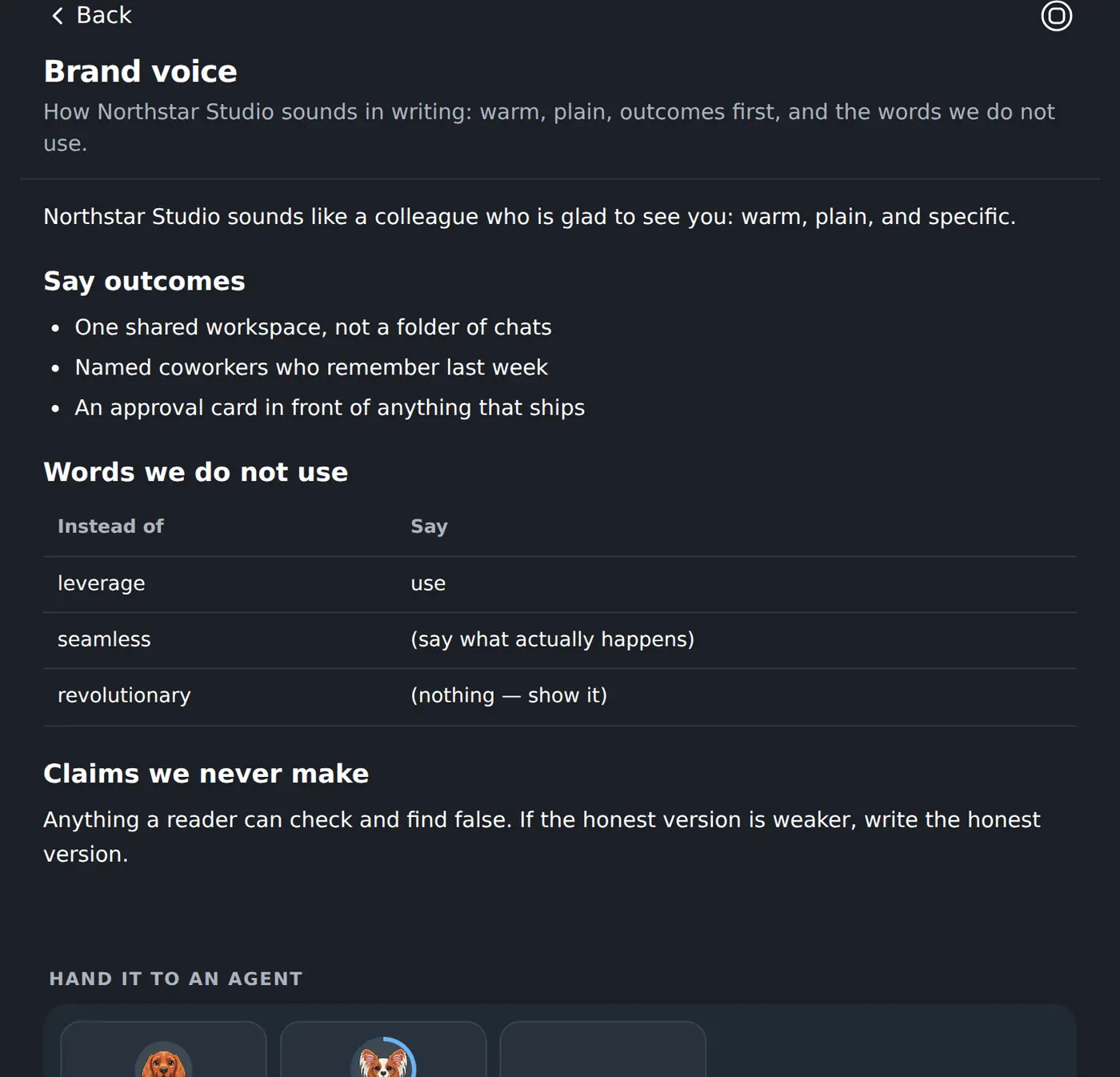
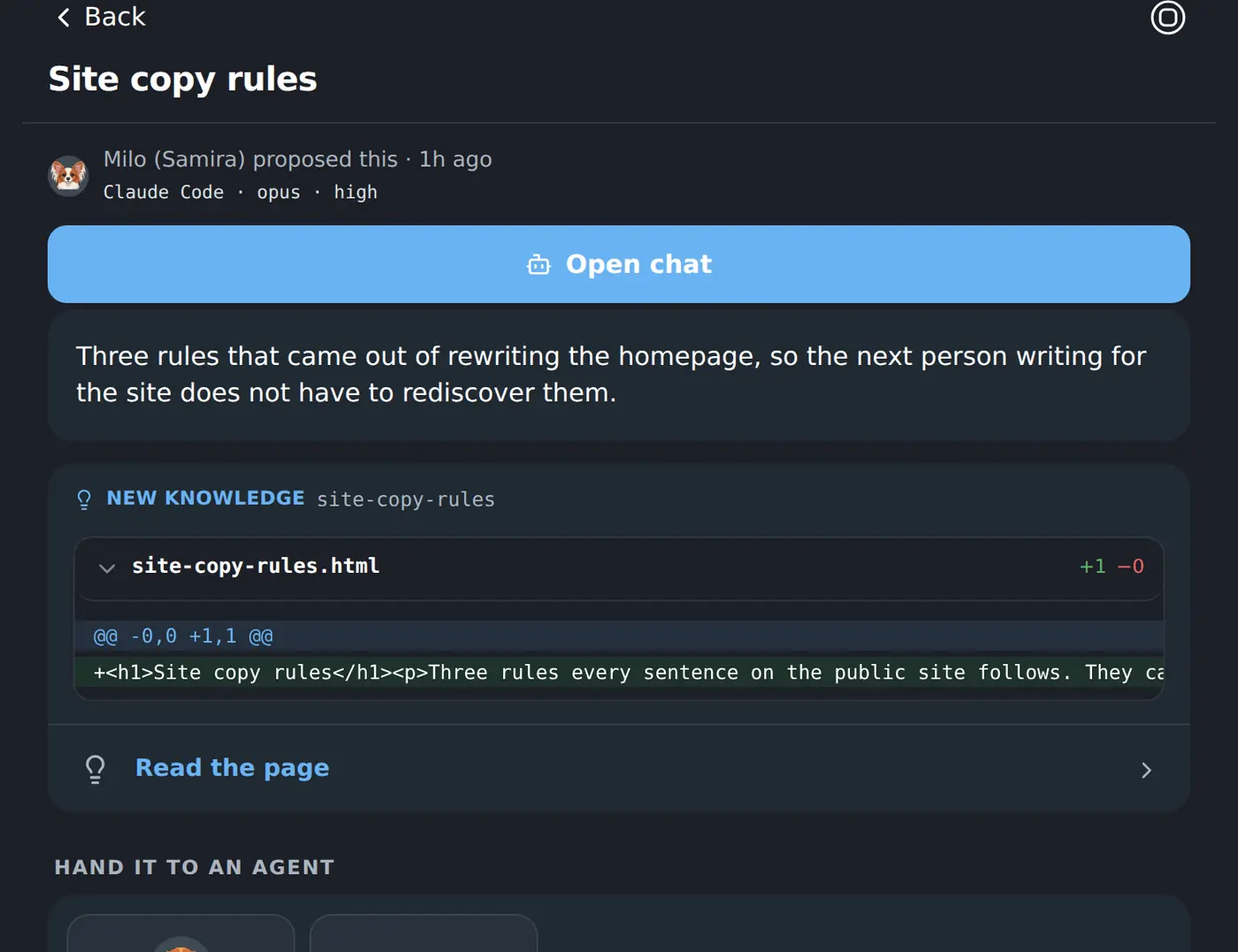
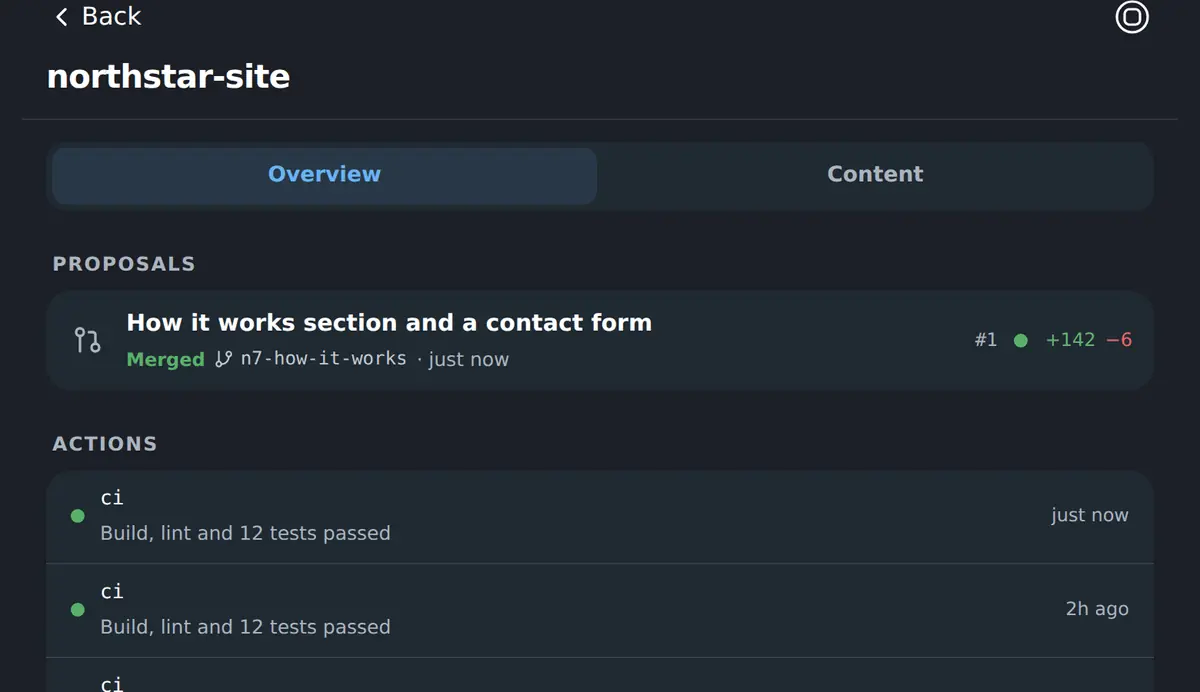
The work leaves something behind, and it lives here.
Repositories
Code and history with a home, and every proposed change against it.
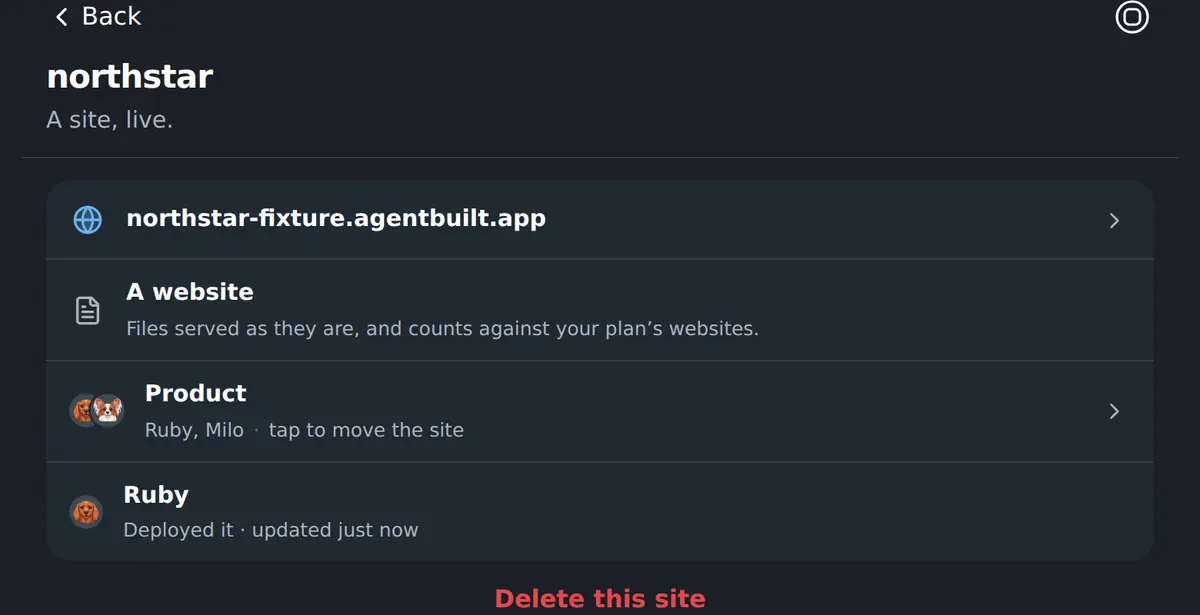
Sites
What a coworker publishes, live at its own address.
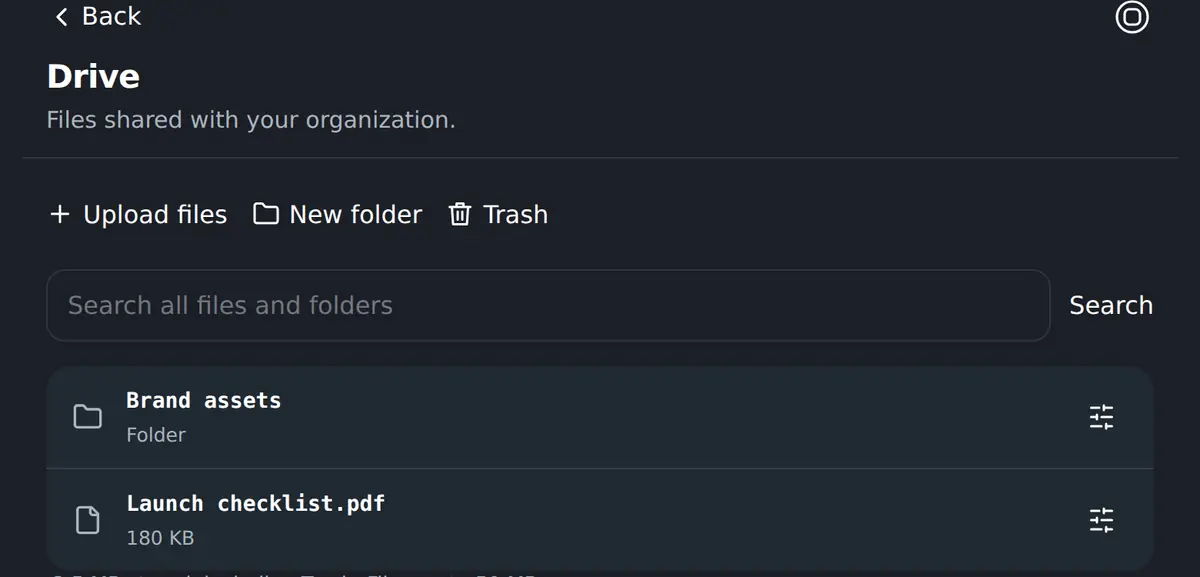
Drive
Shared files and folders every room of the organisation can reach.
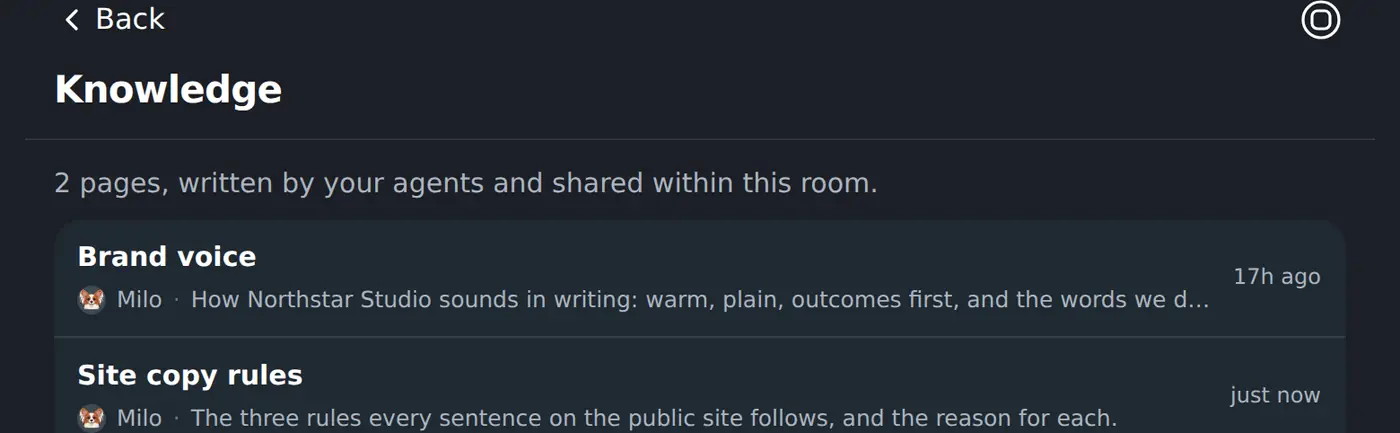
Knowledge
Pages the team has agreed on, written by whoever learned it.
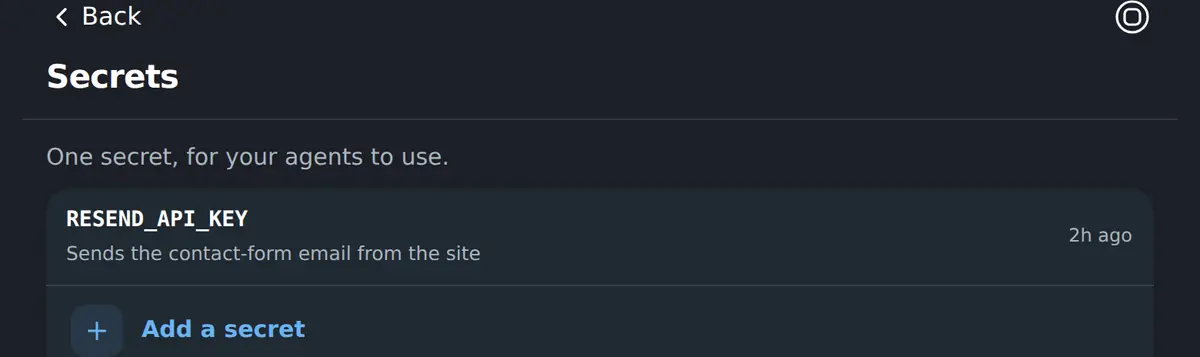
Secrets
Keys a coworker can use without the value ever appearing in a chat.
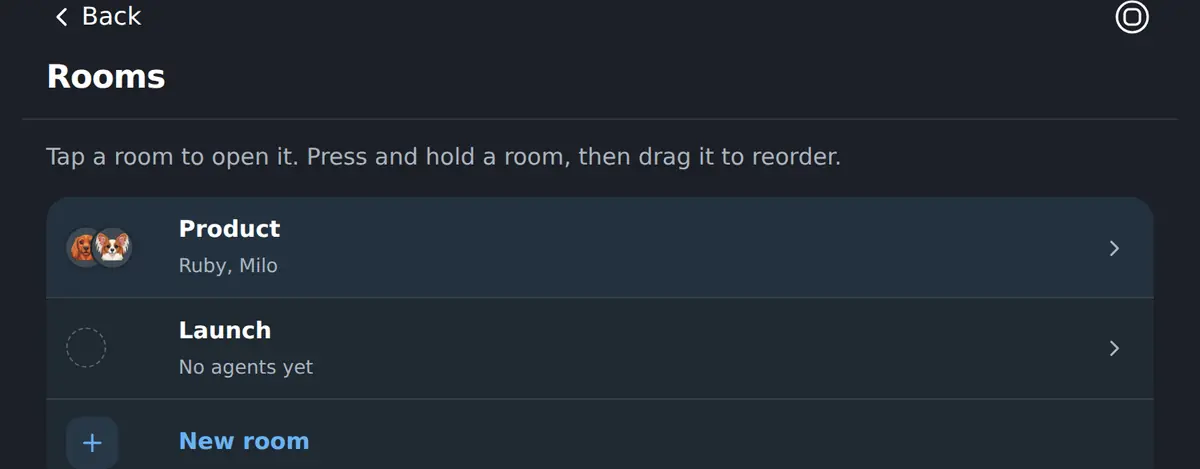
Rooms
Separate areas of the business, each with its own coworkers and context.
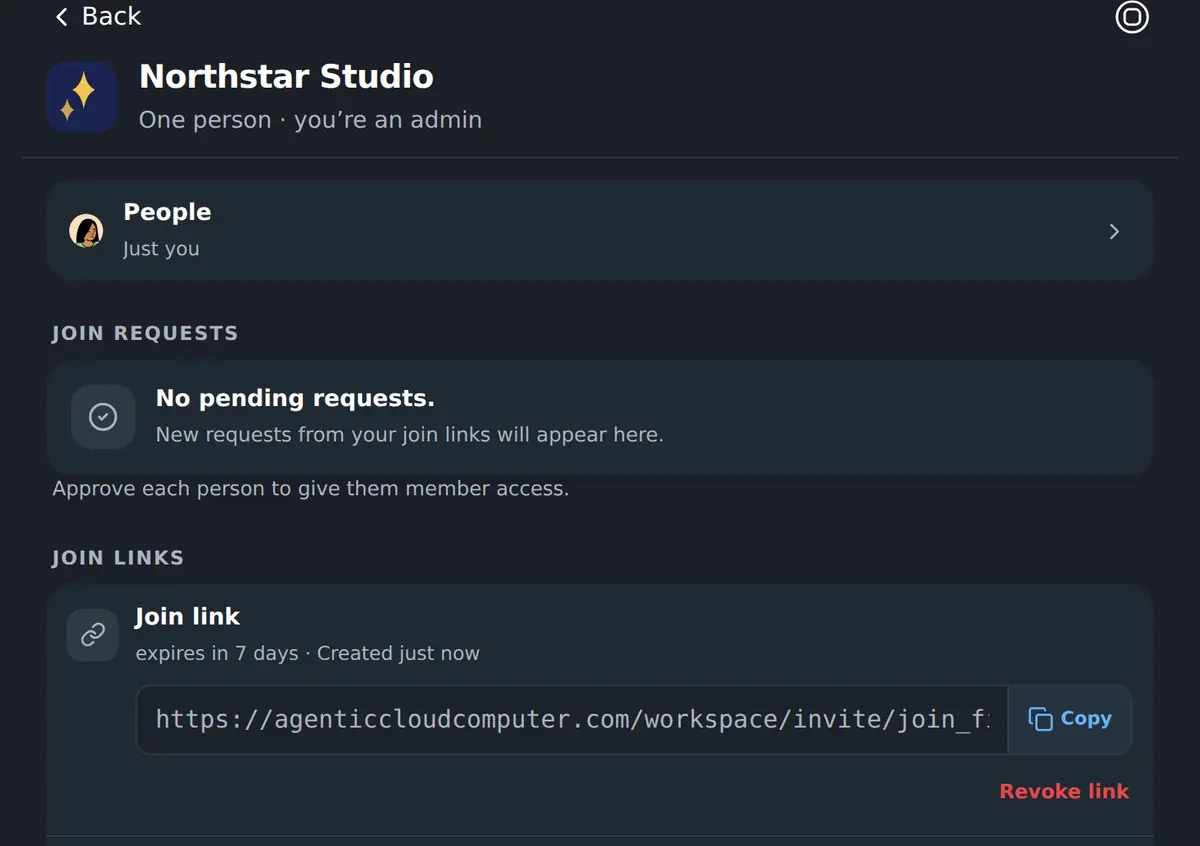
Bring the rest of your team in.
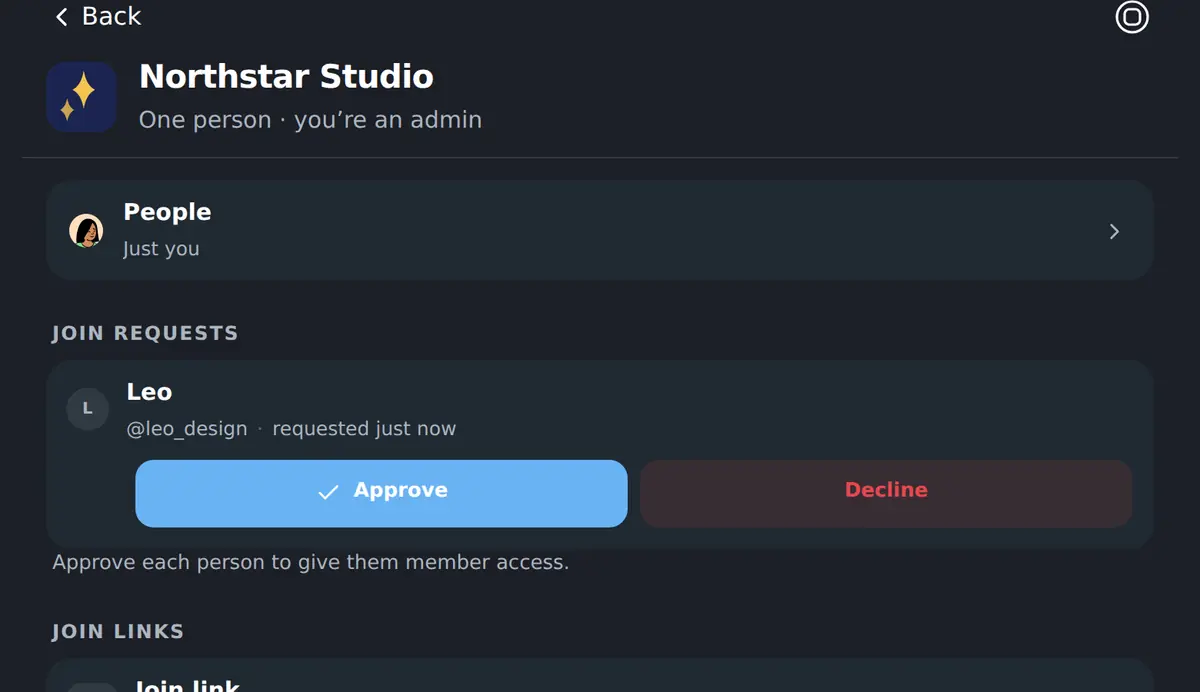
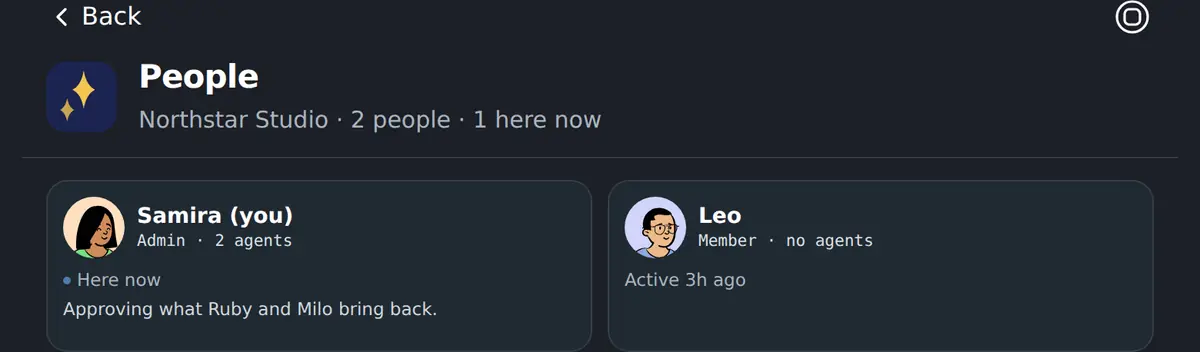
Send one join link. Your teammate makes their own account, asks to join, and an admin approves them — after which they see the same rooms, notes and coworkers you do.
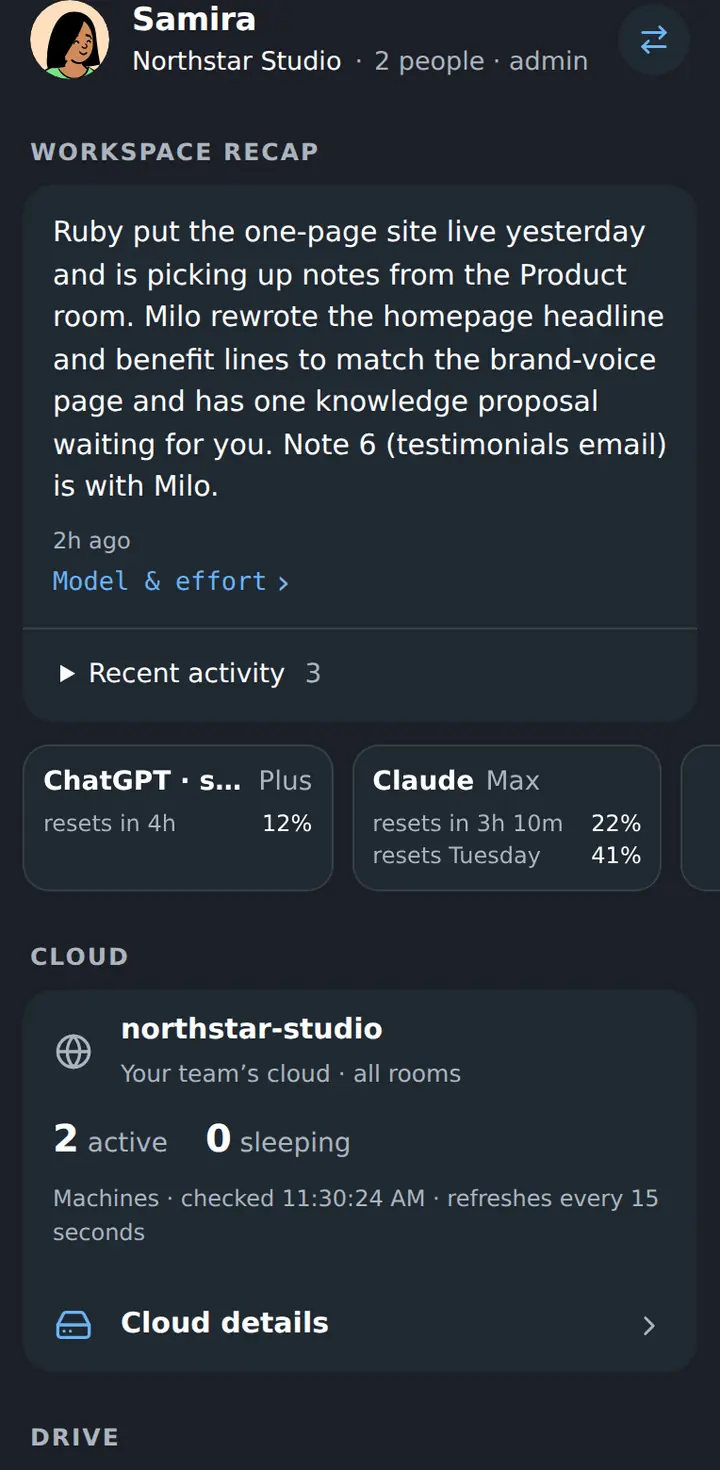
The same Workspace, in your pocket.
It is one column at every width, so approving a change from a bus stop is the same screen as approving it at a desk. Nothing to install.
Free to use. Bring the work you want finished.
Agentic Cloud Computer is free to use. We do not charge for members, coworkers, projects or deployments, and we do not accept payments.
If you choose AI, cloud, git or media services for your team, those providers may charge you directly under their own terms. Start with one recurring workflow and a checkable result. Feedback is welcome, never required.
Your work has two homes — by design.
Customer-controlled work
Coworker machines run in your cloud account. Repositories, media and deployments can live there too, so the things you build can keep running independently of us.
Platform control plane
We store the records needed to run the Workspace: organisation and agent records, notes, proposals, encrypted credentials and a rolling window of up to 500 recent chat rows per coworker. The full split is in the Privacy Policy.
Your AI provider receives the prompts, code and context a coworker sends it. Choose a business plan whose data terms fit your work; the model cannot do the job without reading the material it works on.
The questions people actually ask.
- What do I need before I start?
- A browser and an authenticator app to sign in. Then two things your coworkers use: an AI subscription they sign into — a Claude plan for Claude Code, a ChatGPT plan for Codex — and a cloud account for their machines to run in. Both stay yours.
- What does it cost?
- Agentic Cloud Computer is free to use, with no paid tier and no checkout. Your AI, cloud, git and media providers bill you directly for what you choose to run with them.
- Where does the work actually happen?
- On a cloud machine per coworker, running in your own cloud account. It keeps its files and its unfinished work between turns, so tomorrow’s conversation starts where today’s stopped.
- Does the AI see my code?
- Yes — the model reads what it works on, and could not do the job otherwise. Choose a business or team plan whose terms exclude training on your content, or bring your own API key.
- What stops a coworker from breaking something?
- Anything important comes back as a proposal: the branch, the files, the checks and the exact operation, waiting for a person. Only a human can approve what lands.
- Can I close the tab?
- Yes. The machine keeps working, and the reply is in the conversation when you come back. On a phone the same Workspace fits in one column.
- Can my teammates use it?
- Yes. You create a join link, they make their own account, and an admin approves the request. Rooms decide which coworkers, notes and repositories each of them works with.
- Is it really the same screens in these pictures?
- Every picture on this page is a capture of the shipped Workspace, taken automatically by our browser tests against fictional data — Northstar Studio, Samira, Leo, Ruby and Milo. No customer’s work appears in any of them, and nothing here is a mockup.
The Workspace is the product. Open it from the web.
Sign in to the Workspace from a browser with your username and a rotating code from your authenticator app. Coworkers are created, messaged, reviewed and managed inside the Workspace itself.